
Can AI Analyze Smart Thermostat Data for HVAC Problems?
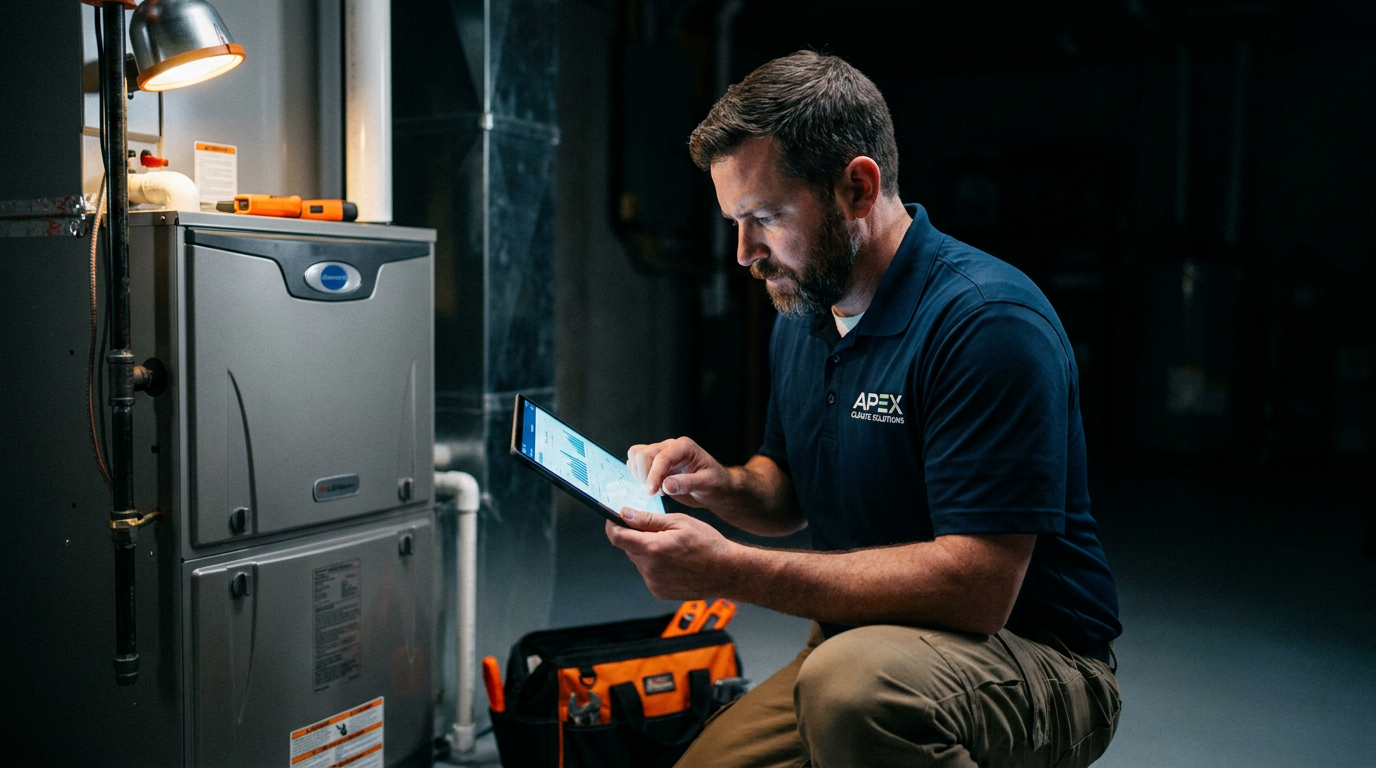
Yes, AI can analyze HVAC system performance from smart thermostat data. By tracking temperature, humidity, and runtime patterns, AI models can spot strange behavior that points to problems like a failing compressor or a clogged filter. This allows for early diagnosis before a complete system failure happens.
Your customers' smart thermostats are more than just fancy schedulers. They are data goldmines. Every time a system kicks on or off, it tells a story about its health. The question is, can you read that story fast enough to stop a problem before it starts? With artificial intelligence, the answer is yes.
AI is changing how HVAC pros work. Instead of just reacting to no-heat or no-cool calls, you can now use data to see trouble coming. By analyzing the information already being collected by thermostats from brands like Nest, Ecobee, and Honeywell, you can offer proactive service, build trust, and run a smarter business.
What Data Do Smart Thermostats Really Collect?
That little box on the wall is constantly gathering information. It’s not just about the temperature you set. It’s tracking a whole range of data points that paint a detailed picture of an HVAC system's performance. Here’s a look at what it logs:
- Setpoint: The desired temperature set by the homeowner.
- Ambient Temperature: The actual measured temperature in the room.
- Humidity: The level of moisture in the air.
- Runtime: How long the heating or cooling system is actively running.
- Cycle Times: How often the system turns on and off in a given period.
- Outdoor Weather Data: Most smart thermostats pull local weather data to provide context for indoor conditions.
- Fan Usage: When and how long the fan runs independently of heating or cooling cycles.
On its own, a single data point doesn’t mean much. But when you look at thousands of these points over weeks and months, patterns emerge. That’s where AI comes in.
How AI Makes Sense of the Numbers
AI doesn’t get tired of staring at spreadsheets. It’s built to find the needle in the haystack. For HVAC, it works by establishing a baseline and then looking for anything out of the ordinary.
Learning What's Normal: First, an AI model learns the unique personality of each HVAC system. It understands how a specific unit in a specific house should perform on a 95-degree day versus a 75-degree day. This baseline is its reference point for everything else.
Detecting Anomalies: Once it knows what's normal, the AI constantly watches for deviations. These anomalies are often the earliest signs of a mechanical problem. For example:
- Longer Runtimes: If a system suddenly takes 30 minutes to cool a room that used to take 15, the AI flags it. This could signal low refrigerant, a dirty evaporator coil, or duct leakage.
- Short Cycling: A system that turns on and off every few minutes is a major red flag. The AI can detect this pattern, which might point to an oversized unit, a faulty thermostat, or restricted airflow from a clogged filter.
- Poor Temperature Recovery: After a setback period (like when the homeowner is away), the system struggles to return to the setpoint. This could indicate a failing compressor or a blower motor issue.
By catching these issues early, you shift from emergency repairs to planned, proactive service calls. This isn't just about fixing units; it's about building a smarter business operation.
Act as an HVAC data analyst. I have exported the following runtime data from a customer's smart thermostat for the last two weeks. The system is a 3-ton residential heat pump in Atlanta, GA.

Data: [Paste a CSV or list of dates, average outdoor temps, and daily AC runtimes here]

Based on this data, identify any anomalies that suggest a potential performance decline. Look for trends where runtime is increasing despite stable outdoor temperatures. Provide a brief summary of potential causes for these anomalies, such as low refrigerant, dirty coils, or airflow restrictions.
Real-World Tools and Platforms
You don't need to be a data scientist to use this technology. Several companies now offer platforms that do the heavy lifting for you. Services like Emerson's Sensi Predict and other monitoring platforms are designed to connect to smart thermostats, analyze the data stream, and send alerts directly to you or the homeowner.
These platforms typically provide a dashboard where you can see the health of all your customers' systems at a glance. When the AI detects an issue, it sends a specific alert, like "Potential Frozen Coil Detected" or "Significant Efficiency Loss Alert." This lets you call the customer and say, "Our system noticed your AC is working harder than it should. We should schedule a visit to check it out before it fails."
This changes the entire customer relationship. You're no longer the person they call when they're miserable. You're the expert who keeps them comfortable.
Draft a short, professional email to a potential AI-powered HVAC monitoring service provider.

My goal is to understand how their platform can integrate with my existing business. Ask about the following:

1.  Compatibility with major smart thermostat brands (Nest, Ecobee, Honeywell).
2.  The cost structure (per-customer, monthly fee, etc.).
3.  What kind of training and support they provide for my technicians.
4.  How their system handles customer data privacy and consent.
The Limits and Challenges
AI is a powerful tool, but it's not a magic eight ball. It's important to understand its limitations.
- It's a Guide, Not a Technician: AI can tell you that a problem exists, but it can't tell you exactly what it is. It might flag a long runtime, but it takes a skilled tech on-site to determine if the cause is low refrigerant or a dirty filter.
- False Positives Happen: An AI might flag a long runtime caused by a house party or the homeowner opening windows, not a system fault. Context is key, and the AI doesn't have all of it.
- Data Privacy is Crucial: You must have clear consent from homeowners to monitor their system data. This should be a transparent part of your service agreement.
- It Can't Fix Bad Installs: AI analysis is most effective on properly installed and sized systems. It can't compensate for fundamental design flaws.
Think of AI as your most vigilant apprentice. It watches everything, flags what looks weird, and lets you, the expert, make the final diagnosis. It makes your expertise more valuable, not less.
Create a simple script for my HVAC technicians to use when explaining the benefits of our new AI monitoring service to a homeowner. The tone should be confident and simple, not overly technical.

Include these points:
- It watches over their system 24/7.
- It helps us catch small problems before they become big, expensive breakdowns.
- It can help lower their energy bills by ensuring the system runs efficiently.
- It's a free part of our premium maintenance plan.
Ultimately, using AI to analyze smart thermostat data is about getting ahead of the game. It allows you to deliver a higher level of service, reduce emergency calls, and build a more predictable and profitable business. The data is already there; it's time to put it to work.
Frequently asked questions
37 copy-paste prompts that save tradespeople 5+ hours a week. Plus one short email every Friday — no fluff.
More for hvac

AI for HVAC Contractors: Everything You Need to Know
AI for HVAC Contractors comes down to using AI to do the slow stuff — quoting, paperwork, marketing, and customer follow-up — so you can stay on the tools.

ChatGPT for HVAC Technicians: 20 Real Use Cases
ChatGPT for HVAC Technicians comes down to using AI to do the slow stuff — quoting, paperwork, marketing, and customer follow-up — so you can stay on the t
AI HVAC Load Calculation: Manual J in Minutes
AI HVAC Load Calculation comes down to using AI to do the slow stuff — quoting, paperwork, marketing, and customer follow-up — so you can stay on the tools