
AI for Construction Client Updates: A GC's Guide
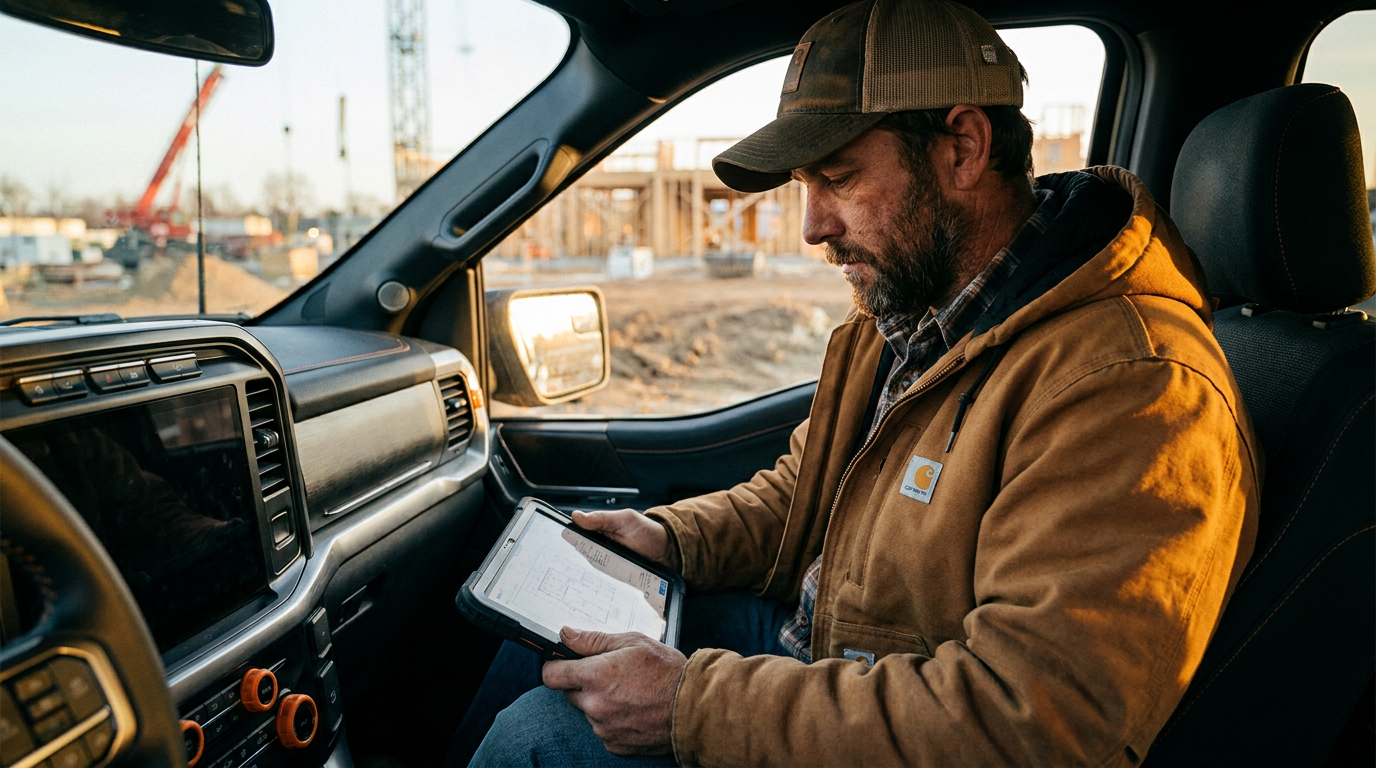
Yes, AI can write your client project updates. Tools like ChatGPT can take your rough job site notes—bullet points or even voice memos—and draft clear, professional updates in seconds. This saves you time after a long day and helps maintain consistent, high-quality communication with your clients.
Can AI Write My Client Updates So I Don't Have To?
You just spent 10 hours on site. The last thing you want to do is sit down and write a detailed email to your client. You know you need to, but your brain is fried. You stare at a blank screen, trying to remember what the plumber finished and what the inspector said.
This is where the job gets tough. It’s not the mud or the framing; it’s the constant need to communicate clearly when you’re already worn out.
What if a tool could take your rough notes and turn them into a professional update? That's the promise of using AI for construction client updates. It’s not about replacing you. It's about giving you a powerful assistant that works as hard as you do.
Why Clear Client Updates Matter
Before we get into the how, let’s talk about the why. Consistent, clear updates are not just nice-to-haves. They are fundamental to a successful project and a good reputation.
- Builds Trust: Regular updates show you're on top of the job. Clients who feel informed are less likely to second-guess your decisions.
- Reduces Phone Calls: A good update answers questions before they're asked. This means fewer interruptions during your workday.
- Creates a Paper Trail: These updates serve as a running log of the project. When a change order discussion comes up, you have a record of what was done and when. According to a 2020 report by FMI, poor communication is a leading cause of project failures and disputes in the construction industry.
- Manages Expectations: You control the narrative. You get to frame the progress, set expectations for the next week, and flag potential issues early.
Doing this well takes time and energy. That’s where AI becomes a game-changer.
How AI Can Draft Your Updates
Artificial intelligence, like the tools behind ChatGPT or Claude, is good at processing language. You give it information and instructions, and it generates text. For a GC, this means you can turn a few bullet points into a well-structured email.
Imagine you just finished a walkthrough. You can jot down these notes:
- Drywall hung in master bed/bath
- Plumbing rough-in passed inspection
- Windows delivered, install starts tomorrow
- Waiting on tile selection from client for master bath
Instead of crafting an email from scratch, you feed these notes into an AI with a specific prompt. In about 15 seconds, you get a draft you can review, tweak, and send.
Act as a general contractor providing a weekly project update to a client. Your tone is professional, confident, and straightforward. Use the following notes to write a clear, concise email update. Structure it with 'Work Completed This Week,' 'Next Steps,' and 'Items We Need From You.'

Notes:
- Drywall is hung in the master bedroom and bathroom.
- The plumbing rough-in passed inspection today. Great news.
- All windows were delivered to the site. Installation will begin tomorrow (Wednesday).
- We are ready to start the master bath tile but are waiting on the final selection from you.
The AI turns your raw data into a polished message. It saves you 30 minutes and a headache. You can do this from your truck before you even pull out of the driveway.
Handling Bad News with AI
One of the hardest parts of the job is delivering bad news. A supply chain delay, a failed inspection, or an unexpected cost. It's easy to get emotional or write an email that’s either too blunt or too vague.
AI is a great tool for this because it has no emotion. It can help you word things professionally and focus on the solution, not just the problem.
Let's say a window shipment is delayed by two weeks. This will impact the drywall schedule. Here's how you can use AI to deliver the news.
Act as a general contractor who needs to inform a client about a project delay. The tone should be professional, direct, and reassuring. Do not make excuses, but explain the situation and the new plan clearly.

Situation:
- The custom windows for the living room were supposed to arrive today.
- The manufacturer just informed us of a two-week shipping delay. New arrival is October 28th.
- This means we cannot start the living room drywall as planned.

New Plan:
- We will pivot to work on the upstairs bathrooms and bedrooms, which are not affected.
- We will reschedule the drywall crew for the week of the 28th to minimize overall project delay.
- I have already spoken with the drywall subcontractor to secure their time.

Write an email that explains the delay, outlines the revised plan, and confirms that we are actively managing the situation.
The AI will produce a message that is calm, clear, and solution-oriented. It shows the client you have a plan, which builds confidence even when things go wrong.
Advanced AI Prompts for GCs
Once you get the hang of basic updates, you can use AI for more complex tasks. The key is giving the AI a clear role, context, and a well-defined task.
For example, at the end of a major phase, you might need to summarize progress for a draw request or a client meeting. Instead of digging through old emails, you can feed your weekly updates into the AI.
Act as a project manager creating a summary report. I will provide you with a series of weekly updates. Your task is to synthesize these updates into a single, high-level summary for the 'Phase 1: Foundation and Framing' of the project. The summary should be a few paragraphs long and highlight major milestones achieved, inspections passed, and any key decisions made. Do not list every small detail, but provide a clear overview of the phase.

[Paste your last 4-6 weekly updates here]
This saves a huge amount of administrative time. It helps you keep your project documentation clean and makes you look organized and professional. These are the kinds of systems that separate average GCs from the best. Better systems are a core part of good operations and management.
Know The Limits: AI is a Tool, Not a Boss
AI is powerful, but it’s not a magic button. You are still the expert. Here’s what you must remember:
- Always Proofread and Edit. The AI doesn't know the specifics of your job site or your client's personality. Read every draft it creates. Correct any inaccuracies and add your personal touch. You are responsible for the final message.
- You Own the Liability. If the AI writes something incorrect and you send it, that's on you. Never send an AI-generated message without verifying its contents. It's your name and your company on the line.
- Garbage In, Garbage Out. The quality of the AI's output depends entirely on the quality of your input. If your notes are vague or incorrect, the update will be too. Be clear and accurate in the information you provide.
Think of AI as the best apprentice you've ever had. It’s fast, eager, and does exactly what you tell it to. But it needs your guidance and final approval. You’re still in charge.
Frequently asked questions
37 copy-paste prompts that save tradespeople 5+ hours a week. Plus one short email every Friday — no fluff.
More for general contractors

AI for General Contractors: A Builder's Playbook
AI for General Contractors comes down to using AI to do the slow stuff — quoting, paperwork, marketing, and customer follow-up — so you can stay on the too

How to Use AI for Construction Project Management
How to Use AI for Construction Project Management comes down to using AI to do the slow stuff — quoting, paperwork, marketing, and customer follow-up — so