Cut the BS: AI for Construction Estimating
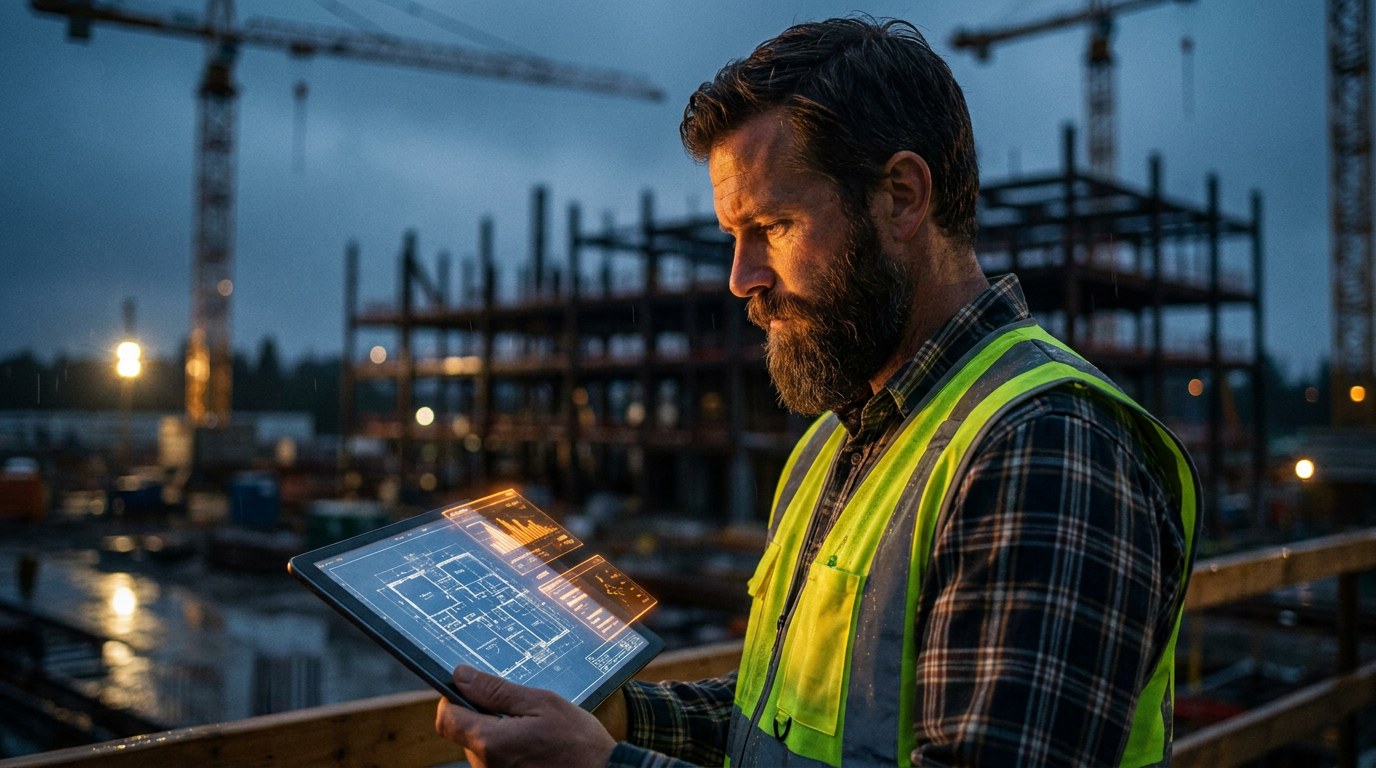
AI for construction estimating uses software to automate tasks like material takeoffs, labor cost calculations, and risk analysis. This helps contractors create faster, more accurate bids by analyzing blueprints, historical data, and market prices, reducing manual errors and saving significant time on paperwork.
Cut the BS: Using AI for Faster, Better Construction Estimating
Let's be honest. Creating a detailed construction estimate is a grind. You spend hours, sometimes days, hunched over blueprints and spreadsheets. You're trying to count every stud, screw, and fixture. You're guessing at labor hours and praying you didn't forget something that will kill your profit margin. It's tedious work that keeps you in the office instead of on the job site.
For years, that was just the cost of doing business. But now, there's a new tool in the box: Artificial Intelligence. Don't let the name scare you. This isn't about robots in hard hats. Using AI for construction estimating is about working smarter, not harder. It’s about using powerful software to handle the grunt work so you can focus on what matters: winning the right jobs and building them well.
This guide cuts through the corporate fluff. We'll show you what AI actually does, how you can use it today, and why it won't take your job.
What AI for Estimating Actually Does
AI isn't magic. It's just a computer program that's really good at finding patterns and doing repetitive tasks at high speed. In construction estimating, this translates to a few key jobs:
- Automated Material Takeoffs: Instead of you manually counting every item on a blueprint, AI can do it for you. You upload a PDF of the plans, and the software scans it, identifying and counting things like walls, doors, windows, outlets, and pipes. This cuts takeoff time from days to minutes.
- Labor and Cost Analysis: AI can analyze your past projects to create more accurate labor estimates. It looks at how long similar jobs actually took and adjusts for complexity. Some tools can also pull in current local material pricing, giving you a more accurate cost basis than a simple guess.
- Risk Identification: An AI can scan project documents and plans to flag potential risks you might miss. It can spot things like conflicting information between architectural and structural drawings, or identify unusual specs that might lead to delays or cost overruns.
Think of it like a new power tool. You wouldn't frame a house with a hand saw if you have a circular saw. AI is the next-level tool for the business side of your trade.
Real-World Tools You Can Use
You don't need a computer science degree to get started. Many companies are building AI into software designed for contractors.
Dedicated AI takeoff tools like Togal.AI or Buildots are focused on one thing: scanning blueprints with incredible speed and accuracy. They are powerful but often come with a higher price tag.
More common are estimating platforms like ProEst or Trimble's Accubid that have started adding AI features to their existing software. They help streamline the whole process from takeoff to final proposal.
But you can also start for free. General-purpose AI tools like ChatGPT and Google's Gemini can be surprisingly useful for smaller estimating tasks. They won't read your blueprints, but they can help you organize your thoughts, draft proposals, and analyze data you provide.
Prompts to Get You Started Today
You can use a free AI chat tool right now to help with your next bid. The key is giving it a clear, specific request. We call these 'prompts'. Here are a couple of examples you can copy and paste.
I'm estimating a 12x16 foot ground-level residential deck in Cleveland, Ohio. The client wants standard pressure-treated lumber. Based on this, generate a preliminary material list. Include joists (16" on center), decking boards (5/4"x6"), support posts, concrete for footers, and all necessary fasteners like joist hangers, screws, and bolts. Organize the list into categories: lumber, concrete, and hardware. Do not calculate exact quantities, just list the material types needed.
This prompt helps you quickly build a checklist so you don't forget a major category when you're doing your detailed takeoff.
Here's another one for the paperwork side of the job.
Act as a general contractor. Write a clear, concise 'Scope of Work' clause for a customer contract. The project is a complete kitchen remodel for project address [123 Main St]. Include demolition of existing cabinets and countertops, installation of new customer-supplied cabinets and quartz countertops, plumbing hookups for a new sink and dishwasher, and installation of a new tile backsplash. Exclude appliance installation, flooring, and painting from this scope.
Using AI for tasks like this saves you mental energy and ensures your contracts are clear and professional. It's a key part of an effective quoting system.
The Good, The Bad, and The Ugly
Like any tool, AI has its pros and cons. You need to know what you're getting into.
The Good:
- Speed: Reduce estimating time by 50-80%. The U.S. Chamber of Commerce notes that technology adoption is a key factor in improving productivity in construction.
- Accuracy: Fewer human errors from missed items or bad math means more reliable bids.
- Consistency: Every estimate follows the same process, making them easier to compare and review.
- Data Insights: AI can show you which types of jobs are most profitable for you, helping you bid smarter.
The Bad:
- Cost: Dedicated AI software can be a significant investment, running hundreds or thousands of dollars per year.
- Learning Curve: You'll need to invest time to learn the software and trust its output.
- Garbage In, Garbage Out: The AI is only as good as the information you give it. If your plans are unclear or your historical data is messy, your estimate will be wrong.
The Ugly:
Over-reliance is the biggest danger. An AI might miss a critical note on a blueprint or fail to account for a unique site condition. If you just click 'accept' without a thorough review by an experienced human—you—you could lose your shirt on a job. The final number is always your responsibility.
Getting Started Without Breaking the Bank
You don't need to buy a $5,000 software package tomorrow. Start small.
- Use Free Tools: Open a free account with an AI chatbot. Use it for simple tasks like writing emails to clients, creating project checklists, or brainstorming safety meeting topics.
- Focus on One Area: Pick one part of your estimating process to improve. Maybe it's just doing preliminary material takeoffs. Use an AI to help with that one task until you're comfortable with it.
- Run a Test: On your next bid, do it your old way. Then, use an AI tool or prompt to do it again. Compare the results. See where it was faster, where it was more accurate, and what it missed.
AI is here to stay. The contractors who learn to use it will be able to bid more jobs, win more work, and spend less time drowning in paperwork. It's a tool for builders who want to build a better business, not just a better building.
Frequently asked questions
37 copy-paste prompts that save tradespeople 5+ hours a week. Plus one short email every Friday — no fluff.
More for quoting & estimating

How to Write an Electrical Estimate with AI in 10 Minutes
How to Write an Electrical Estimate with AI in 10 Minutes comes down to using AI to do the slow stuff — quoting, paperwork, marketing, and customer follow-

AI-Generated Electrical Proposal Template (Free)
AI-Generated Electrical Proposal Template (Free) comes down to using AI to do the slow stuff — quoting, paperwork, marketing, and customer follow-up — so y

How to Quote a Plumbing Job With AI (Step-by-Step)
How to Quote a Plumbing Job With AI (Step-by-Step) comes down to using AI to do the slow stuff — quoting, paperwork, marketing, and customer follow-up — so