
Can AI Create a Plumbing Isometric Drawing? The Real Answer
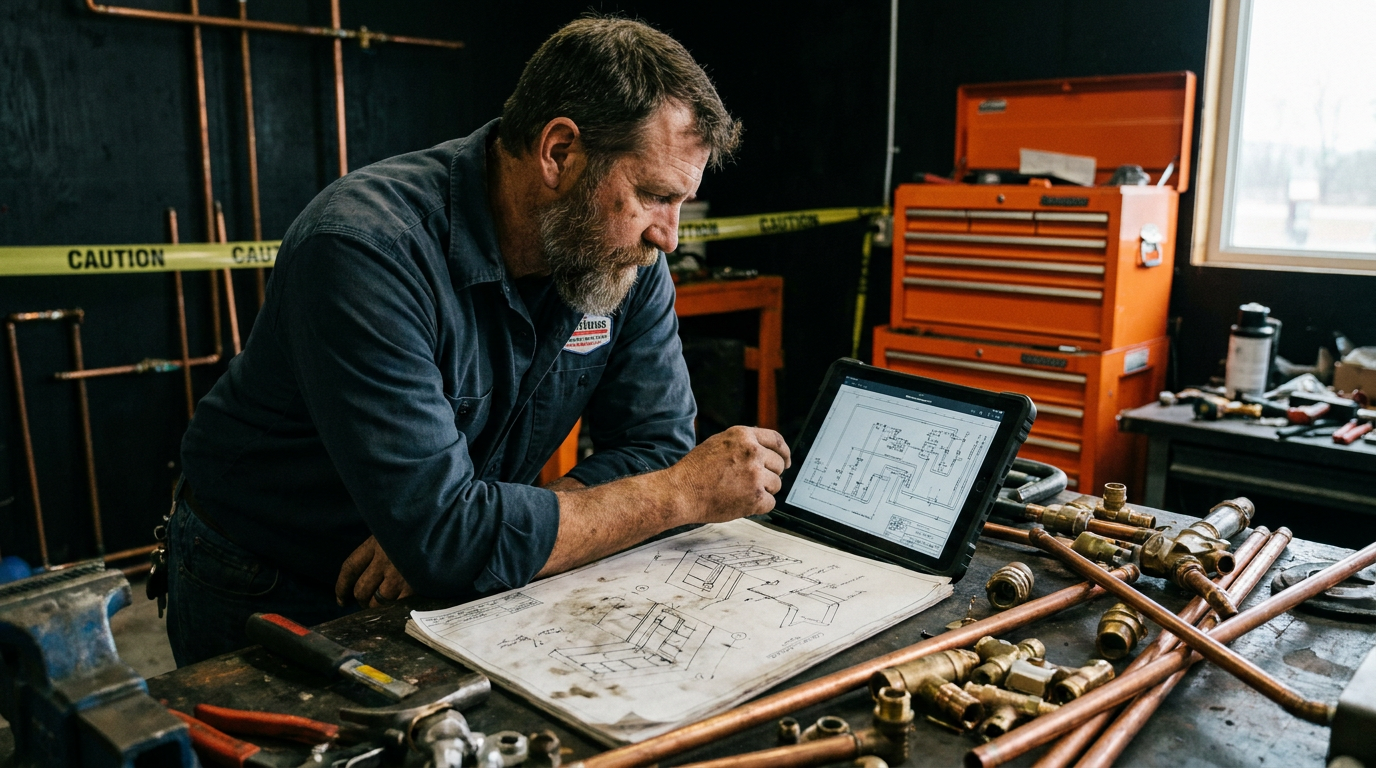
Can AI create a plumbing isometric drawing? No, AI cannot currently generate permit-ready, code-compliant plumbing isometric drawings by itself. While tools like ChatGPT can calculate fixture units and outline drain-waste-vent layouts, you still need specialized CAD software or a licensed plumber to turn that data into an accurate, stamped isometric plan.
The Short Truth About AI and Plumbing Isometrics
If you ask Midjourney or DALL-E to draw a plumbing isometric, you get abstract art. You get copper pipes running into nowhere, vents tied directly into cleanouts, and pitch that defies gravity. If you ask ChatGPT or Claude to draw an isometric, you get text-based descriptions or flat vector code that looks like a fifth-grader sketched it with a broken ruler.
So, can AI create a plumbing isometric drawing that your local building inspector will accept?
No. The raw technology cannot draw a permit-ready, 3D isometric riser diagram on its own. Not yet.
Plumbing drawings require spatial math, precise angles, local code knowledge, and structural clearance checks. Generative AI makes pictures based on probability, not fluid dynamics or the International Plumbing Code (IPC). If you submit an AI picture to an Authority Having Jurisdiction (AHJ), the plans examiner will reject it in seconds.
However, that does not mean AI is useless for isometrics. Master plumbers and mechanical contractors are using AI right now to do the tedious math, write the fixture schedules, and map the pipe sizing before opening CAD. Here is how the technology actually works, where it fails, and how you can use it to cut your drafting time in half.
Why AI Fails at Raw Isometric Drafting
Plumbing isometrics are single-line or double-line three-dimensional drawings. They show the water supply, waste lines, and vent stacks at 30-degree angles. Everything on that paper means something legal. A line that shifts an eighth of an inch can mean a vent stack hits an engineered floor joist.
Standard AI image generators do not understand geometry. They understand pixels. When an image model draws a pipe, it does not know that waste lines need a quarter-inch drop per foot. It does not know that a wet vent cannot serve an unvented fixture downstream.
To pass plan review, your isometric drawing must show:
- Correct Drainage Fixture Unit (DFU) sizing
- Exact pipe diameters for waste, vent, and supply lines
- Cleanout locations and directions of flow
- Proper tie-in heights for fixture drains and vents
- Vent termination points through the roof or wall
Image models cannot check these boxes. They fail because they guess what a drawing looks like rather than engineering how water flows. If you run a modern plumber shop, relying on an image generator for your plan submittals will cost you permit fees and client trust.
Where AI Actually Speeds Up the Isometric Workflow
While AI cannot draft the visual lines reliably, Large Language Models (LLMs) are exceptional at data processing, code retrieval, and sizing calculations.
Instead of treating AI like a draftsman, treat it like an apprentice who has memorized the code book. You can hand an LLM your architectural floor plan fixture count, and it can calculate your total DFUs, size your stacks, and produce a step-by-step connection map.
You then take that structural text plan and plug it into AutoCAD, Revit, or draw it by hand on isometric grid paper. This eliminates the manual math and lookup time.
1. Fixture Unit Math and Stack Sizing
Calculating total fixture units across a two-story residential build or a commercial strip mall takes time. You have to flip through tables in IPC Chapter 7 or Uniform Plumbing Code (UPC) Chapter 7.
AI can run these calculations in five seconds. You list the fixtures, specify the code year your city uses, and ask for the minimum stack size and branch sizes. It does the math without error if your prompt is clear.
2. Drafting the Logic Map
Before you draw an isometric, you have to decide your routing. Which bathroom groups share a wet vent? Where does the main stack drop? How do the horizontal runs hit the building drain?
AI can build a text-based isometric routing list. It outlines the line from fixture drain to horizontal branch, details the re-vent height, and lists the required fittings. When you sit down to draft, you just follow the map.
3. Catching Code Conflicts Before Drafting
If you are working across county lines, you might deal with IPC on one job and UPC on another. The rules for wet venting, horizontal wet vents, and circuit venting change drastically between the two books. You can ask an AI tool to review your planned piping layout against specific state or model codes to catch illegal connections before you draw them.
Copy-Paste Prompts for Plumbing Layouts
To get real value from AI on your plumbing projects, use structured prompts. Do not ask broad questions. Give the model exact parameters, code versions, and fixture counts.
Use this first prompt to calculate your load and stack sizes before you pull out the drawing board:
Act as a senior plumbing engineer working under the 2021 International Plumbing Code (IPC). I need to size the drain-waste-vent (DWV) system for a residential project.

Fixtures to connect:
- 2 Water closets (1.6 gpf, flush tank)
- 2 Lavatories
- 1 Bathtub/shower combo
- 1 Kitchen sink with food waste grinder
- 1 Clothes washer with standpipe

List the total Drainage Fixture Units (DFU) for each fixture and the total system DFU. Provide the minimum required pipe diameter for each fixture branch, the minimum stack size, and the minimum building drain size. State the specific IPC code tables used for reference.
Once you have your sizes, use this second prompt to create a step-by-step isometric routing schedule:
Act as a master plumber. I am drafting a plumbing isometric riser diagram for a two-fixture back-to-back bathroom group on a single level. The fixtures are two lavatories and two water closets.

Write a step-by-step drafting sequence for a single-line isometric drawing under the Uniform Plumbing Code (UPC). Include:
1. Main soil stack tie-in and cleanout placement.
2. Horizontal branch routing and required slope.
3. Fitting types required at horizontal-to-vertical transitions.
4. Vent connection heights above the fixture flood level rim.
5. Distance limits from trap to vent for each fixture.

Format this as a numbered checklist I can follow on my drafting board.
The Better Software Stack for Isometric Drawings
If AI cannot draw the actual lines, what should you use? The trade standard is moving toward hybrid setups where you use AI for calculation and dedicated software for drafting.
Here are the tools that handle the drawing side properly:
- AutoCAD MEP or Revit: High-end, expensive, and standard for commercial work. Revit generates isometric views automatically once you model the system in 3D.
- PlumbingCAD: Designed specifically for plumbing contractors. It lays out DWV and supply lines quickly without the complex learning curve of full architectural software.
- Isometric Grid Paper and Straightedge: Never overlook paper. For small residential additions or basement finish permits, many local jurisdictions accept neat, hand-drawn isometric diagrams on standard 30-degree isometric graph paper. AI generates your fixture list and sizes; you sketch the lines in twenty minutes.
Integrating AI with modern tools allows you to bypass the bottleneck of waiting for an outside engineer on simple design-build projects.
What the Future Looks Like
True generative CAD is coming. Software companies are currently building machine-learning models trained specifically on building information modeling (BIM) data.
Within the next few years, you will likely be able to upload a 2D PDF floor plan to a software tool, select your local code edition, and watch the software generate a fully compliant 3D isometric DWV layout. The software will auto-route around ductwork and structural beams, balance the pipe sizing, and output a DWV isometric ready for plan check.
Until those dedicated, code-aware CAD models hit the commercial market, do not trust any tool that claims to generate permit-ready plumbing diagrams from simple text prompts. Keep the calculations in the AI, keep the drafting in your hands, and keep your permit applications clean.
Frequently asked questions
37 copy-paste prompts that save tradespeople 5+ hours a week. Plus one short email every Friday — no fluff.
More for plumbers
AI for Plumbers: The Practical Field Guide
AI for Plumbers comes down to using AI to do the slow stuff — quoting, paperwork, marketing, and customer follow-up — so you can stay on the tools. Below i

25 ChatGPT Prompts for Your Plumbing Business
25 ChatGPT Prompts for Your Plumbing Business comes down to using AI to do the slow stuff — quoting, paperwork, marketing, and customer follow-up — so you

AI Plumbing Diagnosis Apps: What Actually Works
AI Plumbing Diagnosis Apps comes down to using AI to do the slow stuff — quoting, paperwork, marketing, and customer follow-up — so you can stay on the too