
AI for Electrical Panel Schedules: Ditch the Drywall
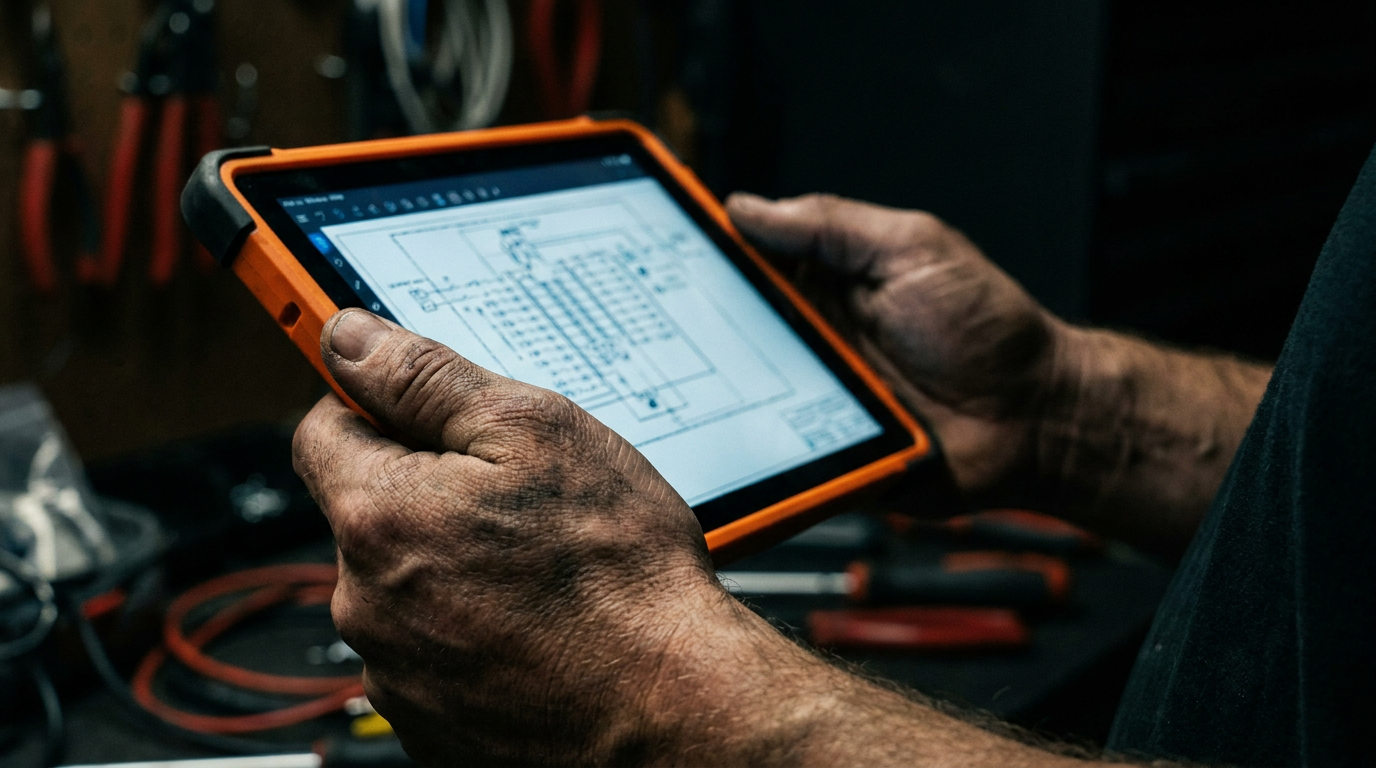
AI can create electrical panel schedules by processing your list of circuits, loads, and breaker sizes. You provide the raw data, and the AI organizes it into a standard NEC-compliant format. This automates a tedious task, reduces human error, and produces a clean, professional document for clients and inspectors.
Your Handwriting Belongs on a Bar Napkin, Not a Panel Schedule
Let's be honest. The back of a drywall scrap is not a filing system. A coffee-stained notebook page isn't a professional document. For years, panel schedules have been a necessary evil—a tedious, hand-cramping task that has to be done right but rarely gets the respect it deserves. You spend hours listing circuits, calculating loads, and trying to make it all legible for the inspector and the client.
Then a change order comes in. You have to erase, scratch out, and start over. It’s slow, it’s messy, and it’s prone to simple math mistakes that can cause big headaches later.
There’s a better way. Artificial intelligence isn't just some tech-bro fantasy anymore. It's a powerful tool that’s ready to work, and it's perfect for automating the grunt work of creating panel schedules. Think of it as the smartest apprentice you've ever had—one that never gets tired, doesn't need a coffee break, and can type faster than you can think.
Why Bother with AI? It’s About Time and Money.
Switching up your workflow takes effort. If you're going to change how you do things, it needs to be worth it. Using AI for your panel schedules isn't just about looking modern. It's about tangible benefits that hit your bottom line.
- Speed: What takes you an hour of careful writing and calculating can take an AI about 30 seconds. That's time you can spend on the job, bidding the next one, or heading home early.
- Accuracy: A computer doesn't make simple addition errors. While you still need to verify everything, AI eliminates the small mistakes that come from fatigue or distraction. It catches things you might overlook.
- Professionalism: Handing a client or an inspector a cleanly typed, perfectly formatted panel schedule says you’re a pro. It shows attention to detail and builds trust. No more deciphering your chicken scratch.
- Easy Updates: When the homeowner decides they want three more outlets in the kitchen, you don't have to start from scratch. Just update your input list, re-run the prompt, and get a new, clean schedule in seconds.
This isn't about replacing your knowledge. It's about offloading the boring part so you can focus on the skilled work that actually makes you money.
Prompts to Get You Started Today
You don't need special software. If you can use a search engine, you can use a large language model (LLM) like ChatGPT, Claude, or Gemini. The key is giving it a clear, direct command. Here are a few prompts you can copy and paste.
Prompt 1: Basic Panel Schedule
This is your workhorse. It takes a raw list of circuits and turns it into a formatted schedule.
Act as a master electrician. Create a standard electrical panel schedule for a 120/240V single-phase, 200A main breaker panel with 42 circuits. Here is the circuit list. Format the output as a clean, easy-to-read table with columns for Circuit Number, Description, Breaker Size (Amps), and Phase (A or B).

Circuit List:
1. Kitchen Counter GFI, 20A
2. Kitchen Counter GFI, 20A
3. Refrigerator, 20A
4. Dishwasher, 20A
5. Disposal, 15A
6. Microwave, 20A
7. Living Room Outlets, 15A
8. Master Bedroom, 15A
9. Master Bath GFI, 20A
10. Bedroom 2, 15A
11. Bedroom 3, 15A
12. Washer, 20A
13. Dryer, 30A 2-Pole
14. Air Handler, 30A 2-Pole
15. Condenser, 40A 2-Pole
16. Garage GFI, 20A
17. Exterior GFI, 15A
18. Lighting, 15A
Prompt 2: Load Balancing and Calculation
This prompt goes a step further, asking the AI to organize the circuits and do the math for you. This is where the real time savings kick in.
Act as an electrical engineer. I need a balanced panel schedule for a 120/240V single-phase, 200A panel. Your task is to take the provided circuit list with estimated VA loads and arrange them to balance the load as evenly as possible between Phase A and Phase B.

Create a table with columns: Circuit #, Phase, Description, VA Load, Breaker Amps.

At the bottom, calculate the total connected VA load for each phase and the total for the panel. Verify that no single-pole breakers are on even-numbered slots unless paired.

Circuit List:
- Kitchen Outlets: 20A, 1500VA
- Dining Room Outlets: 15A, 1000VA
- Refrigerator: 20A, 1200VA
- Dryer: 30A 2-Pole, 5000VA
- Range: 50A 2-Pole, 8000VA
- Master Bedroom: 15A, 800VA
- Master Bath GFI: 20A, 500VA
- Living Room: 15A, 1200VA
- Air Handler: 30A 2-Pole, 4500VA
- Lighting General: 15A, 1500VA
The Catch: AI Is Not a Licensed Electrician
This is the most important part of this whole article. Read it twice. An AI is a tool. It is not a substitute for your license, your experience, or your legal responsibility.
- AI doesn't know local codes. It might know the general NEC, but it has no idea about the specific amendments in your city or county. You do.
- AI can be wrong. It's a machine that predicts the next word in a sentence. Sometimes it makes stuff up, a problem called 'hallucination.' It might invent a breaker size or miscalculate a load.
- You are liable. The inspector doesn't care if 'ChatGPT said it was okay.' Your name and license number are on the line. Every single number and detail generated by an AI must be personally verified by you before it goes on a panel door.
Using AI is about improving your jobsite ops, not cutting corners on safety. Treat the AI's output as a first draft from a very fast but very green apprentice. Your job is to red-pen it until it's perfect.
Beyond the Panel: Other Smart Uses
Once you get comfortable using AI for schedules, you'll see other places it can help.
- Material Lists: Feed it a set of blueprints or a takeoff sheet and ask it to generate a detailed material list, from boxes and wire nuts to footage of MC cable.
- Customer Communication: Hate writing emails? Ask the AI to draft a professional follow-up message to a client or explain a complex change order in simple terms.
- Quoting Help: While it can't price labor, you can use it to structure your quotes. Give it a list of tasks and materials, and it can help you build a clean, well-organized document. It's a great first step toward building better quotes.
Think of it as a pocket knife. It has a lot of different blades, and the more you use it, the more you'll find it can do.
The Tool Doesn't Make the Tradesman
At the end of the day, AI is just another tool in your truck. It's more like a digital level than a robot that does your job. It can make your work faster, cleaner, and more efficient. It can take the tedious tasks off your plate so you can focus on the complex problem-solving that requires a human brain and skilled hands.
Don't be the guy still using a hand drill when everyone else has an impact driver. Give AI a shot. Start small with a simple panel schedule, verify the results, and see how it feels. You're still the expert; you just have a smarter way to get the paperwork done.
Frequently asked questions
37 copy-paste prompts that save tradespeople 5+ hours a week. Plus one short email every Friday — no fluff.
More for electricians

AI for Electricians: A Field-Tested Guide
AI for Electricians comes down to using AI to do the slow stuff — quoting, paperwork, marketing, and customer follow-up — so you can stay on the tools. Bel

27 ChatGPT Prompts for Electricians (Copy & Paste)
27 ChatGPT Prompts for Electricians (Copy & Paste) comes down to using AI to do the slow stuff — quoting, paperwork, marketing, and customer follow-up — so

AI Electrical Load Calculator: How It Works & Free Prompt
AI Electrical Load Calculator comes down to using AI to do the slow stuff — quoting, paperwork, marketing, and customer follow-up — so you can stay on the