
Beyond GPS: Using AI for Equipment Telematics
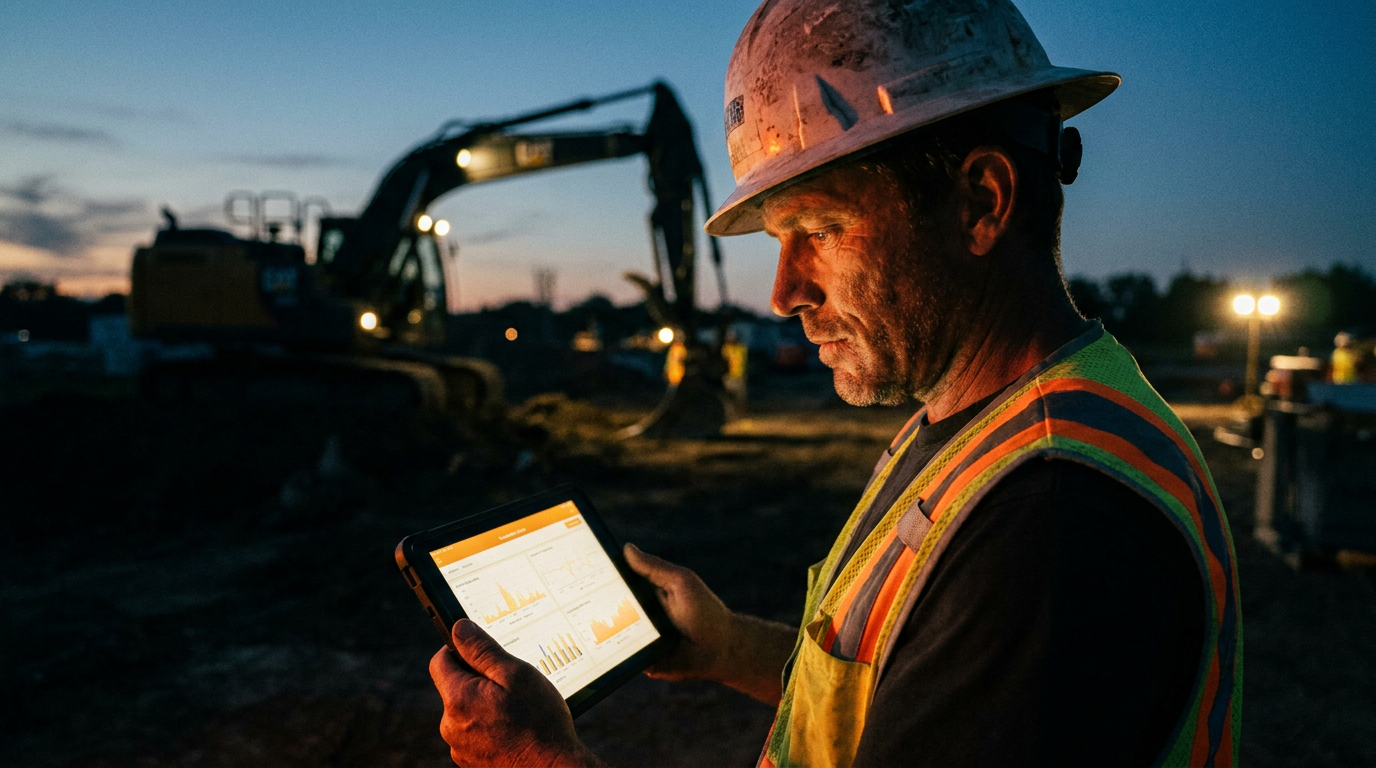
AI for construction equipment telematics uses machine learning to analyze data beyond just location. It predicts maintenance needs, identifies inefficient operator behavior, and optimizes fuel consumption. This turns your raw data from excavators, dozers, and loaders into real-time, money-saving insights for your entire fleet.
Your heavy equipment has been talking for years. Every engine start, every bucket lift, every hour spent idling—it all generates data. Most construction outfits use telematics for basic GPS tracking and hour meters. That’s table stakes. It tells you where your iron is, but not how it’s really performing.
Using AI for construction equipment telematics is the next leap. It’s about turning that mountain of raw data into a clear map for making more money. Instead of just seeing that an excavator is on Site B, you can see that its cycle times are 15% slower than the fleet average, its operator is idling excessively, and its hydraulic fluid temperature is trending upward, signaling a potential failure in two weeks. That’s the difference between reacting to problems and getting ahead of them.
What's Wrong with Just GPS?
Standard telematics gave us a huge advantage a decade ago. Knowing where your assets were stopped a lot of theft and made dispatch simpler. But the game has changed. Relying only on location and engine hours today is like using a flip phone in a smartphone world. It works, but you're missing out on powerful tools.
The old way is reactive. A machine breaks down, and you get an alert. A project runs over budget on fuel, and you see it at the end of the month. You’re always looking in the rearview mirror.
Here’s what basic telematics data doesn’t tell you:
- Why a machine is idling so much.
- If an operator is being reckless or needs more training.
- Which specific component is likely to fail next month.
- How to optimize equipment allocation across multiple jobsites for maximum utilization.
This is where the data you’re already collecting becomes a gold mine, but you need a better shovel to dig it out. That shovel is AI.
How AI Changes the Game for Your Fleet
AI, or artificial intelligence, isn't some robot that's going to take over your jobsite. Think of it as the smartest analyst you could ever hire, one that can sift through millions of data points in seconds and spot patterns a human would never catch. It transforms your jobsite operations from guesswork to data-driven decisions.
Here’s how it works in the real world:
Predictive Maintenance: Instead of sticking to a rigid maintenance schedule, AI analyzes sensor data—engine temperature, hydraulic pressure, vibration, and more. It learns what “normal” looks like for each machine and flags tiny changes that signal a future breakdown. You get an alert like, “Excavator 102 shows a 5% increase in hydraulic fluid temperature under load. Recommend inspection of the cooling system within 7 days to prevent pump failure.”
Operator Performance Analysis: AI can separate productive work time from idle time with incredible accuracy. It can flag harsh braking, rapid acceleration, and other behaviors that burn excess fuel and cause premature wear. You can create performance scorecards for operators, identify who needs coaching, and reward your top performers.
Fuel Efficiency Optimization: Fuel is one of your biggest operating costs. The U.S. Department of Energy notes that an idling heavy-duty truck can burn nearly a gallon of diesel per hour. AI pinpoints your biggest fuel wasters. It can identify which machines, operators, or routes are least efficient and give you specific recommendations, like setting idle-time limits or optimizing paths on a large site.
Jobsite Productivity: How long does it take your loader to complete a load-and-carry cycle? Is one excavator moving dirt slower than the others? AI analyzes operational data to benchmark performance. You can see which machine-operator combinations are most productive and apply those lessons across the fleet.
Getting Started with AI and Your Data
You don't need a PhD in computer science to make this work. The key is to start simple and ask the right questions.
Step 1: Get Your Data Most modern equipment from manufacturers like Caterpillar (VisionLink), John Deere (JDLink), Komatsu (Komtrax), and Volvo (CareTrack) comes with robust telematics systems. These platforms usually have a feature to export your data, often as a CSV (spreadsheet) file. If you have older equipment, you can install aftermarket telematics devices from companies like Samsara or Verizon Connect.
Step 2: Use an AI Tool For analyzing a CSV file, you can use powerful and accessible AI chatbots like ChatGPT, Google's Gemini, or Claude. The advanced versions of these tools can directly analyze uploaded files. You simply upload your spreadsheet and start asking questions in plain English.
Step 3: Ask the Right Questions This is the most important part. The AI is only as good as the prompts you give it. Be specific. Instead of asking, “Is my equipment efficient?” ask something targeted. Below are a couple of prompts you can copy and paste.
Analyze the attached CSV file named 'fleet_data.csv'. The columns are 'Equipment_ID', 'Timestamp', 'Engine_Status' (On/Off), 'Fuel_Rate' (gal/hr), and 'Is_Moving' (True/False). Define 'idling' as when 'Engine_Status' is 'On', 'Fuel_Rate' is > 0, and 'Is_Moving' is 'False'.

Calculate the total idle time in hours for each 'Equipment_ID' over the entire period. Then, list the top 3 machines with the highest total idle time. Present the result as a simple table.
This prompt doesn't just ask a question; it tells the AI exactly what data it's looking at, how to define a key term ('idling'), and how to format the answer.
Here's another one for spotting gear that's just sitting around.
I've uploaded a report 'utilization_weekly.csv' with the columns 'Asset_ID', 'Model', and 'Engine_Hours_This_Week'. My company's target for minimum utilization is 20 engine hours per week for all assets.

Identify all assets that have fallen below this 20-hour threshold. For each underutilized asset, list its 'Asset_ID', 'Model', and 'Engine_Hours_This_Week'. Also, calculate how many hours below the target it is. This will help me decide whether to move the asset to a busier jobsite.
Putting It All Together
Imagine you run a mid-sized excavation company. You pull a month's worth of data from your telematics provider. You use the first prompt above and discover that two of your dozers are idling for over 3 hours every day, burning nearly 30 gallons of diesel a week while doing nothing.
That's over $100 per week, per machine, just gone. For two machines, that's over $10,000 a year. You now have the specific data to talk to the operators and implement an anti-idling policy. You just turned raw data into a real, bottom-line improvement.
This isn't science fiction. It's the new way of running a smarter, leaner construction business. The data is already there. It's time to put it to work.
Frequently asked questions
37 copy-paste prompts that save tradespeople 5+ hours a week. Plus one short email every Friday — no fluff.
More for business ops

AI Voicemail for Electricians: Catch Every Lead
AI Voicemail for Electricians comes down to using AI to do the slow stuff — quoting, paperwork, marketing, and customer follow-up — so you can stay on the

AI Answering Service for Plumbers: Real Costs & Picks
AI Answering Service for Plumbers comes down to using AI to do the slow stuff — quoting, paperwork, marketing, and customer follow-up — so you can stay on

HVAC Maintenance Plan Template (AI-Built)
HVAC Maintenance Plan Template (AI-Built) comes down to using AI to do the slow stuff — quoting, paperwork, marketing, and customer follow-up — so you can