
Can AI Write Your Site Safety Plan? The OSHA-Friendly Answer
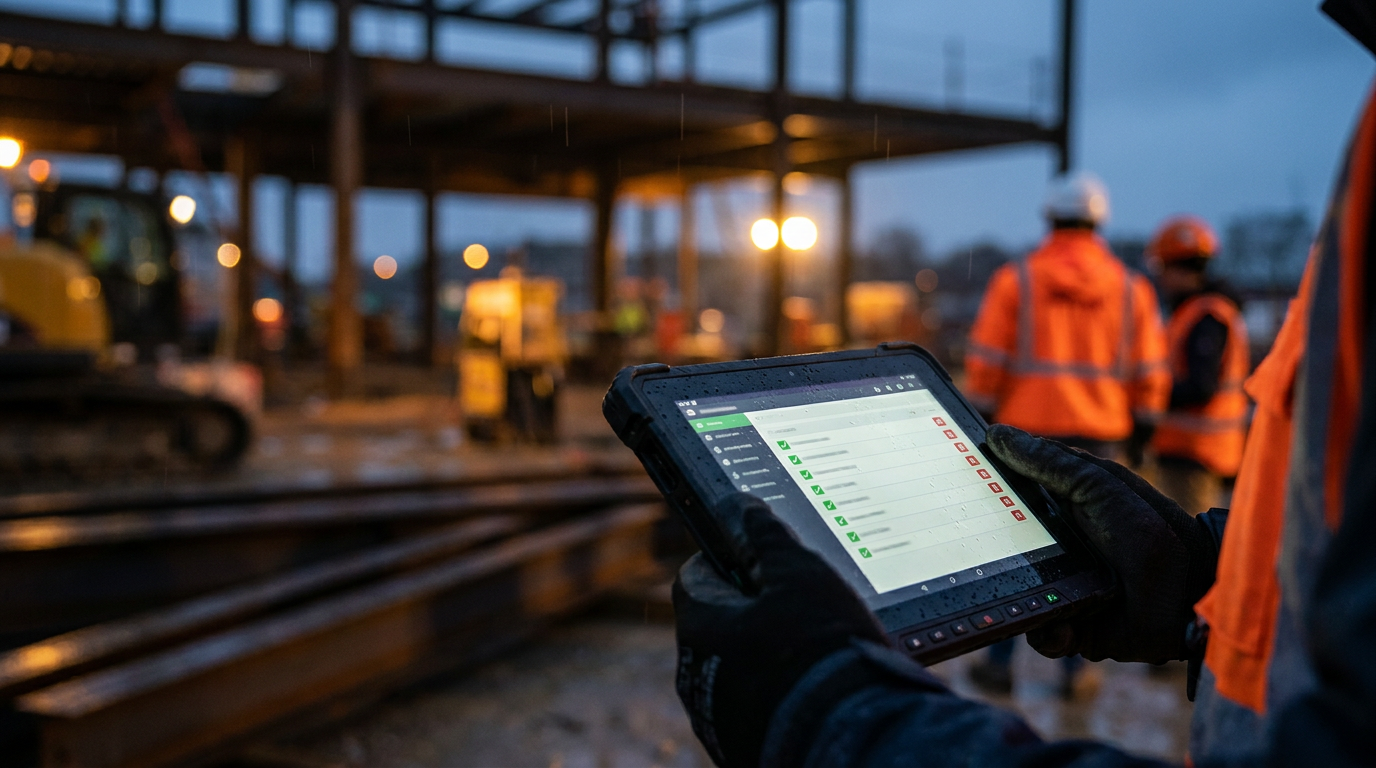
Yes, AI can generate a site-specific safety plan, but you cannot simply copy and paste it. AI provides a solid first draft, saving you hours of writing. However, a qualified person must review, customize, and approve the plan to ensure it meets OSHA requirements and addresses your jobsite's unique hazards.
Can AI Write a Site Safety Plan?
Let's cut to the chase. Writing a Site-Specific Safety Plan (SSSP) is a headache. It's a pile of paperwork that stands between you and breaking ground. But it's also one of the most important documents on any jobsite. It's your blueprint for keeping your crew safe and avoiding massive OSHA fines.
Now, everyone's talking about AI. It can write emails, create marketing copy, and even code. So the big question is, can it handle your safety plan?
The short answer is yes, but with a huge asterisk. Think of AI as a sharp, fast, but very green apprentice. It can get the basic structure down and save you a ton of time, but it doesn't have the experience to see the real-world risks. You, the competent person, are still the boss. Your experience is what makes a plan work.
The Straight Dope: AI and OSHA Compliance
OSHA doesn't have a rule against using AI. They care about the final product, not how you drafted it. According to OSHA standard 1926.20(b)(2), the employer must have safety programs that provide for frequent and regular inspections of the jobsites, materials, and equipment by a 'competent person'.
An AI is not a 'competent person'. A competent person is someone who can identify existing and predictable hazards and has the authority to take prompt corrective measures. AI can't walk your site, spot that unsupported trench wall, or notice a frayed cord on a saw. It hasn't spent years developing the gut feeling that something isn't right.
Using AI is like using a template you found online. It's a starting point. The final responsibility for the plan's accuracy and effectiveness is 100% on you and your company. If there's an incident and your safety plan is just a generic AI printout that doesn't match your site conditions, OSHA will not care that an AI wrote it.
How to Use AI the Right Way for Safety Plans
AI is a tool, not a replacement for your brain. Used correctly, it can turn a day of paperwork into an hour of editing. Here’s how to do it right.
Step 1: Gather Your Site-Specific Info
Before you even open an AI chat, get your facts straight. The more detail you give the AI, the better the output will be. You'll need:
- Project Name and Address: The exact location.
- Scope of Work: What are you doing? (e.g., single-family home foundation, commercial tenant fit-out, roof replacement).
- Key Personnel: Project manager, site superintendent, and the designated competent person for safety.
- Emergency Info: Address of the nearest hospital, emergency phone numbers.
- Known Hazards: List everything you can think of. Working at heights? Trenching? Electrical work? Hazardous materials? The more specific, the better.
Step 2: Craft a Detailed Prompt
Don't just ask, "Write me a safety plan." You'll get generic junk. Give the AI a role and feed it the details you just gathered. A good prompt is the key to a good draft. Use one of the prompts below to get started.
Act as a construction safety manager. You are creating a comprehensive Site-Specific Safety Plan (SSSP) that complies with OSHA 1926 standards.

Generate a detailed SSSP draft for the following project:
- Project Name: Miller Office Renovation
- Address: 123 Main Street, Anytown, USA 12345
- Scope of Work: Interior demolition and renovation of a 3-story commercial office building. Work includes framing, drywall, electrical, and plumbing.
- Key Hazards: Demolition debris, dust (potential silica), working on ladders/scaffolding, new electrical system installation, potential for unknown materials in walls.

Include sections for: Project Information, Key Personnel and Responsibilities, Hazard Identification and Control, Personal Protective Equipment (PPE) requirements, Emergency Procedures (with a placeholder for the nearest hospital), and a section for daily safety briefings (toolbox talks).
Step 3: Review and Edit with an Expert Eye
This is the most important step. Print out the AI's draft and grab a red pen. Walk your site, or at least visualize it in detail.
- Is it specific enough? Did the AI just say "use PPE" or did it specify hard hats, safety glasses, and steel-toed boots?
- Is it accurate? Does it mention fall protection for work over 6 feet? Does it call out the need for a GFCI on all temporary power?
- What did it miss? The AI won't know about the blind corner where the forklift operates or the weak spot in the subfloor. Add these details. This is where your experience pays off.
- Check regulations. Don't assume the AI knows your specific state or local rules, which can be stricter than federal OSHA. Always double-check against the official OSHA.gov website.
Improving your processes for managing your jobsite is an ongoing task, and refining your safety plan is a big part of that.
Step 4: Finalize, Sign, and Distribute
Once you've corrected, added to, and customized the plan, it becomes your document. Sign it. You are now certifying that this plan is adequate for the site. Make sure it's available to your entire crew and that they're trained on its contents. A safety plan nobody reads is just a piece of paper.
The Bottom Line
AI can't generate a perfect, site-ready safety plan. Not yet. But it can absolutely generate a B-plus draft for you to work from. It can organize your thoughts, provide the right structure, and cover many of the standard compliance points.
This frees you up from the tedious writing process and lets you focus your expert eye on what really matters: identifying the unique risks of your specific project and creating real-world controls to keep your people safe. Use AI to do the heavy lifting on the first draft, but never forget that you are the expert in the room.
Frequently asked questions
37 copy-paste prompts that save tradespeople 5+ hours a week. Plus one short email every Friday — no fluff.
More for jobsite ai

How Plumbers Use ChatGPT on the Jobsite (5 Ways)
How Plumbers Use ChatGPT on the Jobsite (5 Ways) comes down to using AI to do the slow stuff — quoting, paperwork, marketing, and customer follow-up — so y

How to Use ChatGPT on the Jobsite (Practical Guide)
How to Use ChatGPT on the Jobsite (Practical Guide) comes down to using AI to do the slow stuff — quoting, paperwork, marketing, and customer follow-up — s

AI Voice Notes to Job Report in 60 Seconds
AI Voice Notes to Job Report in 60 Seconds comes down to using AI to do the slow stuff — quoting, paperwork, marketing, and customer follow-up — so you can