
Can AI Generate Plumbing Isometric Drawings?
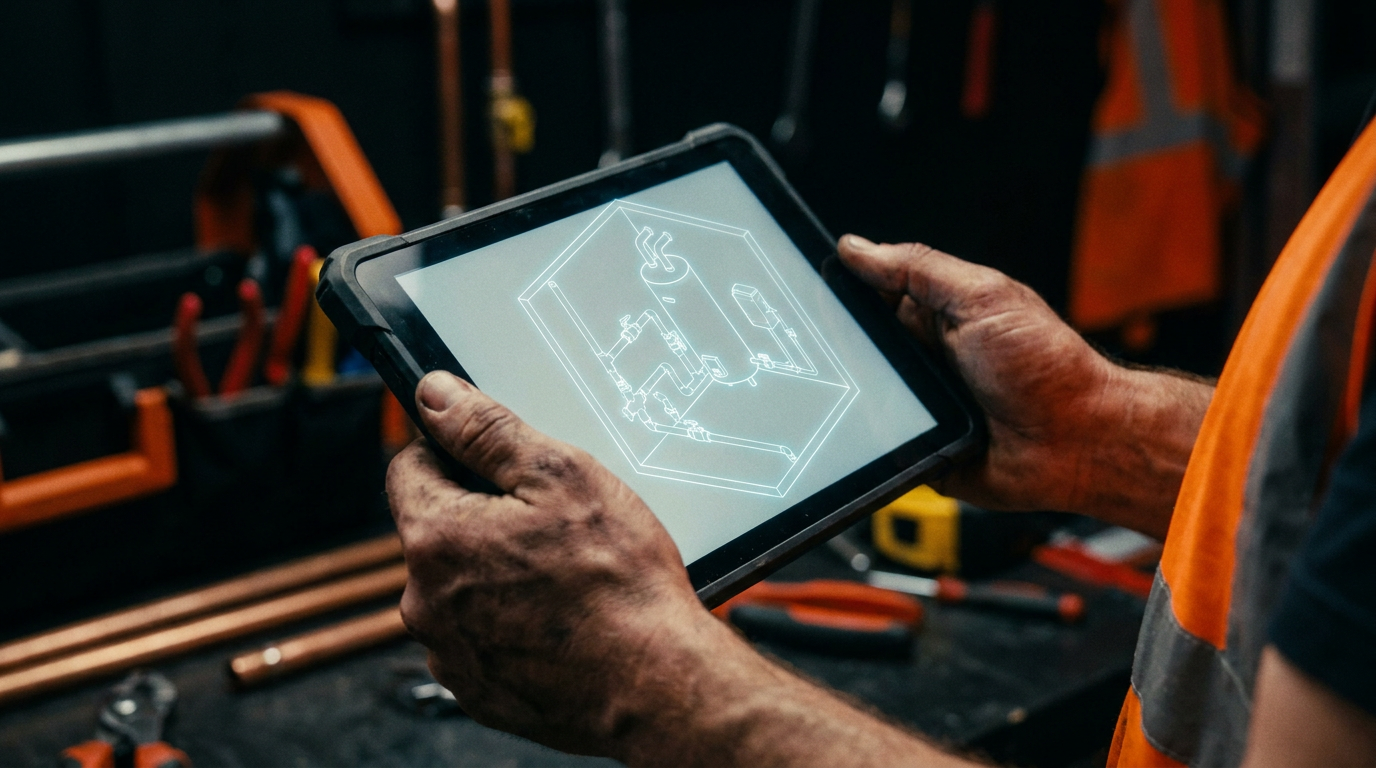
Yes, AI can help generate plumbing isometric drawings, but it's not a one-click fix. Current AI tools are best for creating initial drafts, visualizing layouts, and speeding up the manual drafting process. You'll still need a skilled plumber to verify all code compliance, measurements, and material specs.
Can AI Sketch Out Your Plumbing Isometrics?
Let's be honest. Drawing up plumbing isometrics is a pain. It’s time-consuming, tedious work that takes you away from the job site. You need them for permits, for your crew, and to make sure the plan is solid. So the big question is, can you offload this chore to artificial intelligence?
The short answer is yes, but it's not as simple as telling an app to draw a code-compliant system for a three-story building. AI is a tool, like a new type of PEX crimper. It can make the job faster and easier, but it doesn't replace the skill in your hands and the knowledge in your head. Let's break down what AI can actually do for you today and where it falls short.
What AI Can Really Do for Plumbers Today
When people talk about AI, they usually mean one of two things: image generators like Midjourney, or large language models like ChatGPT. Both can help with isometrics, but in very different ways.
Conceptual Drawings: Image-generating AI is great for creating concepts. You can describe a bathroom layout, and it will spit out a clean-looking isometric-style image. This is perfect for showing a client a visual idea or for brainstorming different routing options. But these are not technical documents. They lack accurate dimensions, proper symbols, and code awareness. They are illustrations, not blueprints.
Drafting Assistants: This is where AI gets more useful. Think of it as a smart assistant. You can feed it a rough sketch you drew on a piece of plywood and ask it to create a cleaner, more professional-looking diagram. It can standardize your symbols and lay things out neatly. This saves a ton of time compared to redrawing it yourself in a clunky program.
AI-Assisted CAD: Some modern CAD (Computer-Aided Design) software is starting to build in AI features. These tools are much more powerful. They might suggest optimal pipe routes, flag potential conflicts, or automatically generate a parts list from your drawing. This is the future of digital plumbing design, blending the precision of CAD with the speed of AI. These are professional tools and come with a steeper learning curve and price tag.
Prompts You Can Use on the Job
You don't need to be a computer whiz to start using AI. The key is giving it a clear, detailed request. A good prompt gets you a good result. Here are a couple of examples you can copy and paste into an AI tool like ChatGPT or Google's Gemini.
Generate a clean, simple isometric diagram of a residential bathroom plumbing rough-in. The layout includes a standard toilet, a single-vanity sink, and a shower/tub combo. Show the DWV (Drain, Waste, and Vent) system. Use standard symbols: show 3-inch drain for the toilet, 2-inch for the shower, and 1.5-inch for the sink. Show the vent lines connecting and running up. This is for a visual concept, not a final technical drawing. Keep the style clear and easy to understand for a client.
This first prompt is for creating a visual aid. The next one shows how you can use AI for planning and material prep, which is a big part of any quoting process.
Act as a plumbing assistant. I am planning a standard basement sump pump installation. The pit is already dug. I need a checklist of materials and major steps. Create a bulleted list of all necessary components including the pump, check valve, PVC pipe (schedule 40), fittings, PVC cement and primer, and a proper discharge line. Also, outline the key installation steps from placing the pump to drilling the exit hole and routing the discharge away from the foundation. Assume a 1.5-inch discharge line.
The Big Red Flags: Limits and Risks of AI
Before you start feeding all your plans to an AI, you need to understand the risks. The buck stops with you, the licensed professional. If an AI-generated plan is wrong, it's your problem.
Code Compliance is Your Job: This is the most important limit. An AI does not know your local plumbing code. It doesn't know if your jurisdiction uses the Uniform Plumbing Code (UPC), the International Plumbing Code (IPC), or the dozens of local amendments that make your area unique. It might draw a vent that's too small or a drain without the proper slope. You must always verify every single detail against your codebook.
Accuracy and Hallucinations: AI models can "hallucinate," which is a fancy way of saying they make stuff up. An AI might draw a fitting that doesn't exist or specify a pipe dimension that makes no sense. It's not taking real-world measurements. It's predicting what a drawing should look like based on millions of images it has seen. Never trust its measurements.
Liability: When you submit a drawing for a permit, you are signing off on its accuracy. You can't blame a computer program if the inspector rejects it or, worse, if the system fails. The AI is a tool, and you are responsible for how you use it. Your license and your reputation are on the line.
The Smart Way to Use AI for Isometrics
So, what's the right way to use this tech without getting burned? Use it as an assistant to make your ops smoother, not as a replacement for your brain.
- Brainstorming Partner: Quickly generate a few different layout options for a complex drain system. It's faster than drawing each one by hand.
- Sketch Cleaner: Take your handwritten notes and rough drawings from the job site and have the AI turn them into clean, legible diagrams for your crew.
- Component Lists: Use it to quickly generate a preliminary materials list based on a design, like the sump pump example above. It helps make sure you don't forget the small stuff.
- Human in the Loop: Always, always review and correct the AI's output. Use its draft as a starting point, then apply your expertise to fix the errors, add correct dimensions, and ensure it meets code.
The goal isn't to have a robot design your plumbing. The goal is to spend less time at the drafting table and more time building, managing, and growing your business. AI can help you do that, as long as you stay in the driver's seat.
Frequently asked questions
37 copy-paste prompts that save tradespeople 5+ hours a week. Plus one short email every Friday — no fluff.
More for plumbers
AI for Plumbers: The Practical Field Guide
AI for Plumbers comes down to using AI to do the slow stuff — quoting, paperwork, marketing, and customer follow-up — so you can stay on the tools. Below i

25 ChatGPT Prompts for Your Plumbing Business
25 ChatGPT Prompts for Your Plumbing Business comes down to using AI to do the slow stuff — quoting, paperwork, marketing, and customer follow-up — so you

AI Plumbing Diagnosis Apps: What Actually Works
AI Plumbing Diagnosis Apps comes down to using AI to do the slow stuff — quoting, paperwork, marketing, and customer follow-up — so you can stay on the too