
Use AI to Write Your Safe Work Method Statements
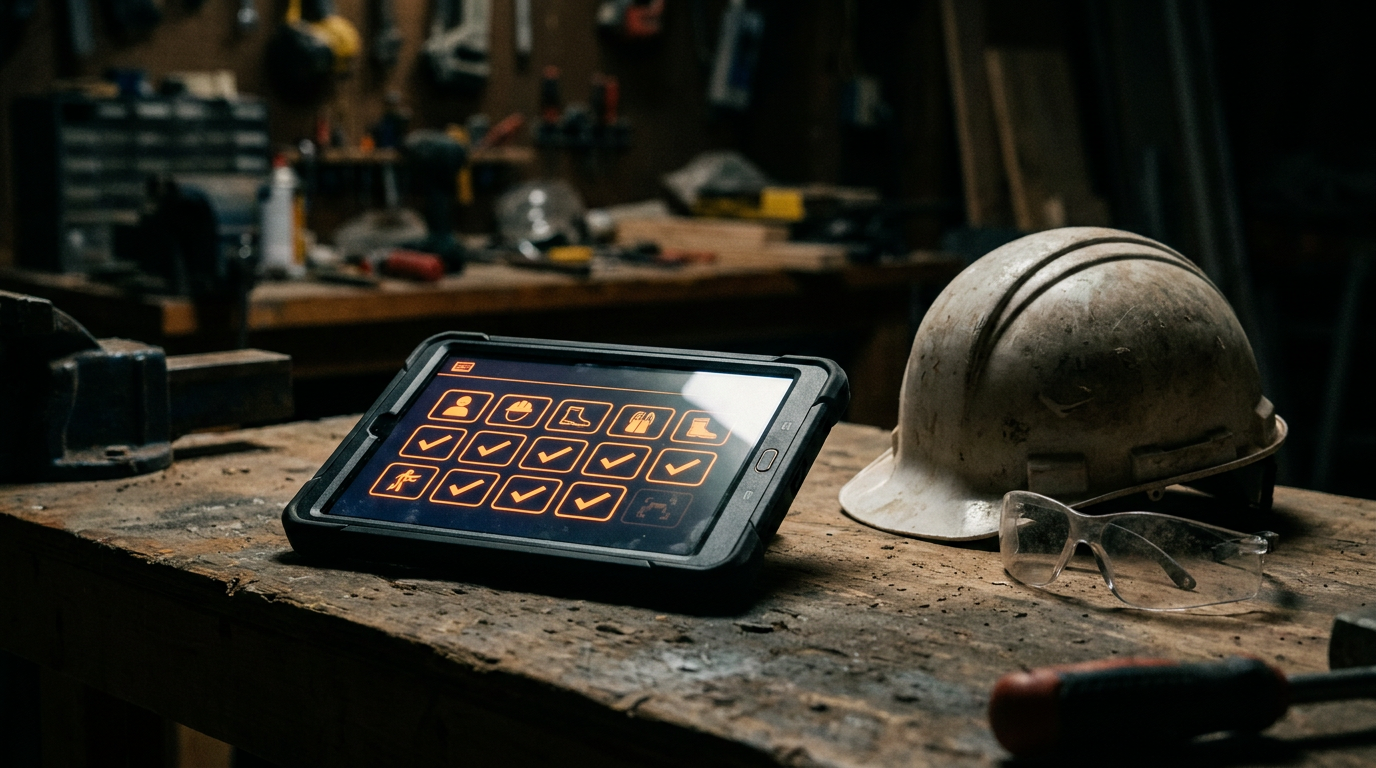
Yes, you can use AI to create Safe Work Method Statements (SWMS). AI tools help you quickly draft detailed safety documents by identifying job-specific hazards, outlining control measures, and ensuring compliance. This saves hours of administrative work while improving job site safety and documentation for your trade business.
You didn't get into the trades to become a paper-pusher. Yet, how many hours do you waste writing Safe Work Method Statements (SWMS)? It's tedious, repetitive work. You know safety is job one, but the paperwork can feel like a job in itself.
What if you could draft a detailed, job-specific SWMS in minutes instead of hours? You can. Artificial intelligence isn't just some tech fad; it's a powerful tool that can handle the heavy lifting on your safety documents, so you can focus on running the job.
What is a SWMS, Really?
A Safe Work Method Statement is a document that outlines the high-risk construction work to be carried out, the hazards involved, and the measures to be put in place to control the risks. Think of it as a game plan for safety.
In the US, OSHA doesn't use the term "SWMS" as much as Australia or the UK. Instead, they require things like Job Hazard Analyses (JHAs) or activity-specific safety plans. The idea is the same: identify risks and control them. A good SWMS or JHA is your proof that you've thought through the dangers and have a plan to keep your crew safe. It's not just about compliance; it's about preventing accidents.
The Grind of Writing Safety Docs
Let's be honest, drafting these documents is a pain.
- It's Time-Consuming: You have to stop what you're doing, sit down at a computer, and try to remember every single step and potential risk.
- It's Repetitive: A lot of jobs have similar steps, but each site is unique. You end up copying and pasting, trying to adapt old documents to new situations.
- It's High-Stakes: A missed step or a poorly described control measure can have serious consequences. If there's an incident, these documents will be the first thing an OSHA inspector asks for.
This is exactly the kind of work that's perfect for a machine to handle. It's structured, rule-based, and requires pulling information from a massive knowledge base.
How AI Changes the Game for SWMS
Using AI to draft your SWMS is like having a safety consultant on call 24/7. You're still the boss, but you now have a tireless assistant to do the initial legwork.
Here’s how it helps:
- Speed: Go from a blank page to a solid first draft in under five minutes. AI can instantly outline tasks, identify common hazards, and suggest standard control measures.
- Thoroughness: An AI can scan vast amounts of safety data, including OSHA guidelines and industry best practices. It might suggest a hazard you hadn't thought of, making your plan even stronger.
- Consistency: AI helps ensure your documents have a standard format and level of detail every single time. This looks professional and makes them easier for your crew to read and follow.
This isn't about letting a robot run your safety program. It's about using a powerful tool to improve your ops and free up your time.
Prompts to Write Your First AI-Assisted SWMS
The key to using AI is asking the right questions. We call these "prompts." A good prompt gives the AI context, tells it what role to play, and specifies the format you want.
Here are a couple of prompts you can copy and paste today.
Act as a certified construction safety officer with 20 years of experience. I need to create a Safe Work Method Statement (SWMS) for the following high-risk task:

**Task:** Installing a new HVAC unit on a two-story commercial rooftop.
**Location:** A busy downtown area.
**Crew size:** 3 people.
**Key Equipment:** Crane for lifting the unit, ladders for roof access, standard hand and power tools.

Generate a detailed SWMS. Include these sections:
1.  **Task Description:** A step-by-step breakdown of the job.
2.  **Potential Hazards:** List all potential hazards, including working at heights, electrical, manual handling, crane operation, and public safety.
3.  **Risk Assessment:** For each hazard, assess the risk level (High, Medium, Low) without controls.
4.  **Control Measures:** Provide specific, actionable control measures for each hazard to reduce the risk.
5.  **Required PPE:** List all necessary Personal Protective Equipment.
6.  **Emergency Procedures:** Outline the plan for a medical emergency or equipment failure.

Format the output in a clear, easy-to-read table.
This next prompt is great for when you're focused on one specific danger.
I am preparing a Job Hazard Analysis (JHA) for a plumbing crew using a walk-behind trencher to dig a 3-foot deep, 50-foot long trench for a new water line in a residential front yard.

Identify all potential hazards associated with using this equipment in this specific scenario. For each hazard, suggest at least two practical control measures that my crew can implement on the [jobsite](/category/jobsite).

Consider hazards like:
-   Underground utility strikes
-   Trench collapse
-   Machine kickback or rollover
-   Flying debris
-   Noise exposure
-   Public access to the work area
The "Human in the Loop" Rule is Non-Negotiable
This is the most important part. An AI-generated SWMS is only a draft. It is not a final, legally binding document.
AI has never stepped foot on your specific job site. It doesn't know about the unexpected overhead power line, the muddy ground from yesterday's rain, or the new apprentice you're bringing on. That's your job.
You, or another competent person on your team, must:
- Review: Read every single word of the AI draft.
- Verify: Does it match the real-world conditions of the job site?
- Edit: Add, remove, and change details to make it 100% accurate for the task at hand.
- Approve: Sign off on the final document. You are taking responsibility for it.
Think of the AI as a smart apprentice. It can do the grunt work, but the journeyman has to check the work and take responsibility. Using AI is a massive advantage for your business operations, but it doesn't remove your professional judgment or liability. In fact, it's a key part of your hiring and training process to ensure everyone knows how to use these tools correctly.
Get to Work
Stop wasting your valuable time on tedious paperwork. AI gives you a running start on critical safety documents, helping you build a safer, more efficient business. It's a tool, just like the ones in your truck. Learn how to use it, respect its limits, and put it to work.
Frequently asked questions
37 copy-paste prompts that save tradespeople 5+ hours a week. Plus one short email every Friday — no fluff.
More for business ops

AI Voicemail for Electricians: Catch Every Lead
AI Voicemail for Electricians comes down to using AI to do the slow stuff — quoting, paperwork, marketing, and customer follow-up — so you can stay on the
AI Answering Service for Plumbers: Real Costs & Picks
AI Answering Service for Plumbers comes down to using AI to do the slow stuff — quoting, paperwork, marketing, and customer follow-up — so you can stay on

HVAC Maintenance Plan Template (AI-Built)
HVAC Maintenance Plan Template (AI-Built) comes down to using AI to do the slow stuff — quoting, paperwork, marketing, and customer follow-up — so you can