
Can AI Write Your Next Site-Specific Safety Plan?
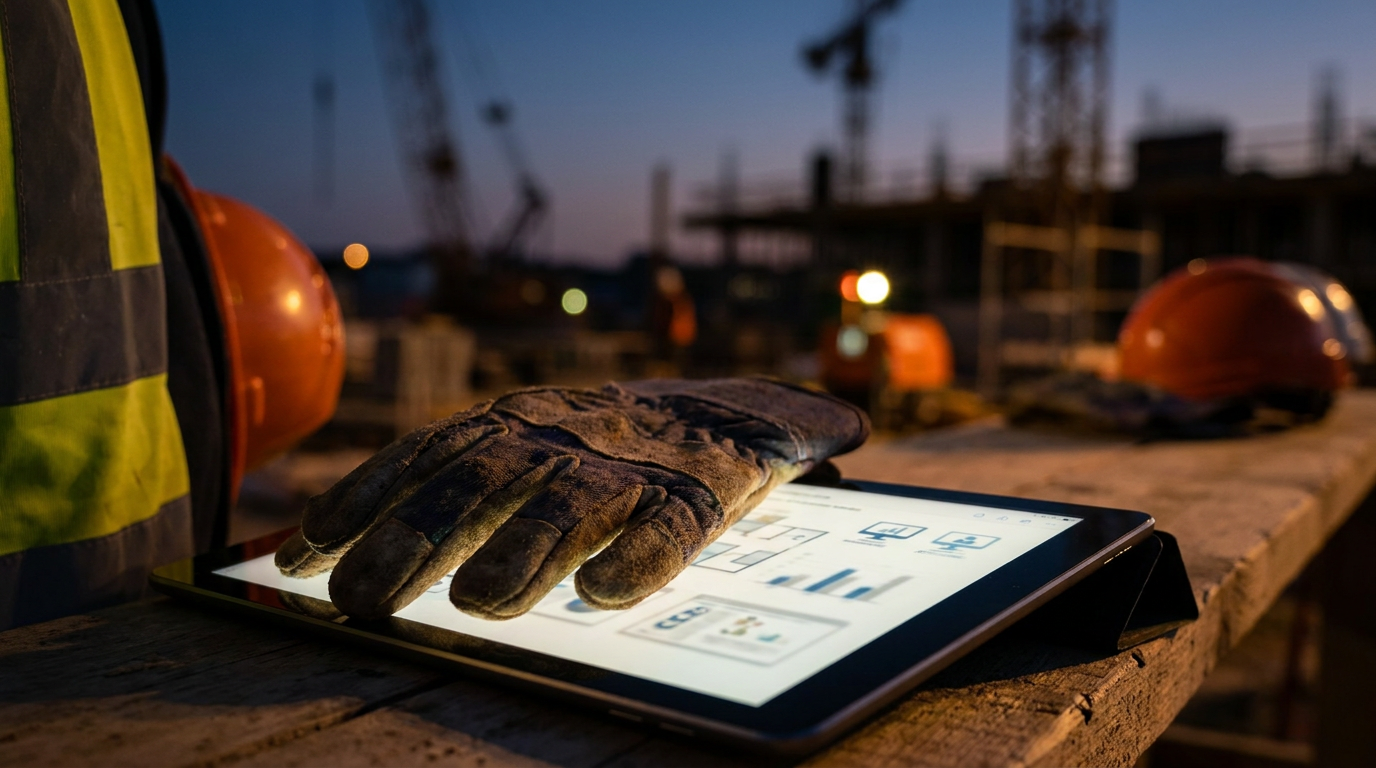
Yes, AI can help create a site-specific safety plan by drafting sections and identifying potential hazards based on your input. However, it cannot replace a qualified safety professional. An AI-generated plan is only a starting point that must be reviewed, customized, and approved by a human expert to ensure it meets OSHA standards.
Can AI Write Your Next Site-Specific Safety Plan?
Safety paperwork is a necessary beast. A Site-Specific Safety Plan (SSSP) is not just a box to check; it’s a legal document and a roadmap to get your crew home safe. With all the buzz around AI, the question is simple: can this new tech handle the paperwork for you?
The short answer is yes, but with a big asterisk. AI can be a powerful assistant, like a sharp new apprentice. It can speed up the process and help you cover your bases. But it is not a replacement for a seasoned foreman or a certified safety pro. Relying on AI alone for your SSSP is like sending that apprentice to run a job solo. It’s a gamble you can’t afford to take.
Let's break down how to use AI the right way for safety planning—as a tool, not a crutch.
What a Real SSSP Requires
Before we let the robots take a crack at it, let's remember what a Site-Specific Safety Plan is. It’s not a generic template you download and print. OSHA requires your plan to be specific to the actual hazards of your jobsite. A high-rise electrical job in Chicago has different risks than a plumbing rough-in in a Miami basement.
A solid SSSP usually includes:
- Project Information: Names, addresses, and emergency contacts.
- Roles and Responsibilities: Who is the competent person? Who is responsible for first aid?
- Hazard Identification and Control: A detailed look at potential dangers (falls, electrical, chemical, etc.) and how you’ll control them.
- Personal Protective Equipment (PPE): What gear is required for what task.
- Emergency Action Plan: What to do when something goes wrong. Fire, medical emergencies, severe weather.
- Training and Communication: How you'll conduct toolbox talks and document training.
This plan is a living document. It has to be reviewed by a “competent person”—someone who can spot hazards and has the authority to stop work. AI is not a competent person.
How AI Can Help Draft Your SSSP
Think of AI as a research assistant that never sleeps. It can absorb massive amounts of information from OSHA, NIOSH, and other sources to give you a solid starting point. Here is where it shines:
- Generating a Structure: You can ask AI to create a complete SSSP outline based on your trade and the scope of work. This saves you from starting with a blank page.
- Identifying Common Hazards: Tell AI you’re doing a roofing job. It can instantly list common hazards like falls, heat exposure, and electrical lines. This helps you brainstorm.
- Drafting Standard Procedures: Need to write up a standard procedure for ladder safety or hot work? AI can generate a solid first draft that you can then tailor to your specific site and company policies.
Here’s a prompt you can use to get a basic outline from an AI tool.
Create an outline for a Site-Specific Safety Plan (SSSP) for a residential roofing replacement project in Austin, Texas. The crew size is 4 people. Include sections for Hazard Identification, Personal Protective Equipment (PPE), a detailed Fall Protection Plan, Heat Illness Prevention, and an Emergency Action Plan with local hospital information.
This prompt gives the AI enough detail to create a relevant and useful starting point. It’s much better than just asking for a “safety plan.”
The Big “But”: Where AI Falls Short
Here's the rugged truth. An AI has never walked a jobsite. It can't see the unmarked utility line, the unstable soil after a rainstorm, or the greenhorn on your crew who needs extra watching.
Here are the critical gaps you must fill:
- Lack of Physical Context: AI knows what a trench is, but it doesn't know your trench. It doesn't know the soil type, the nearby heavy equipment causing vibrations, or the weather forecast. That's your job. You have to walk the site and apply real-world knowledge.
- Compliance Isn't Guaranteed: AI models pull information from the vast internet. That info could be outdated, from a different country, or just plain wrong. State-specific rules, like those from Cal/OSHA, are often more strict than federal OSHA. You are legally responsible for verifying every single line of your SSSP against current, official regulations.
- It's Not a “Competent Person”: OSHA defines a competent person as someone who can identify hazards and has the authority to correct them. An AI is a program. It has no authority and takes no responsibility. Your plan is not valid until it's been reviewed, understood, and signed off on by a real human being with the right training and authority.
Using AI for safety is just one part of managing a modern jobsite. The real work still requires your eyes, your experience, and your gut.
A Smarter Workflow: AI as Your Partner
Don't throw the tool out. Just learn to use it right. Here’s a workflow that combines the speed of AI with the irreplaceable value of human expertise.
Gather Your Intel: Before you touch the keyboard, collect all your site-specific details. Address, scope of work, crew size, known hazards, major equipment, project schedule.
Use a Detailed Prompt: Give the AI all the intel you gathered. The more specific your prompt, the better the draft. Try something like this:
Generate a draft Site-Specific Safety Plan for a commercial plumbing rough-in at [Project Address]. The project involves trenching up to 6 feet deep for a new sewer line, soldering copper pipes in a basement mechanical room, and using scissor lifts to reach overhead pipes. Our crew has 5 members. Focus on trench safety (OSHA 1926.652), confined space entry procedures for the mechanical room, hot work permits, and scissor lift operation safety. Include a list of required PPE and an emergency contact list.Review and Redline: Print the AI's draft. Treat it like a rookie's first attempt. Go through it with a red pen. Cross-reference key sections with the official OSHA website. Is the trenching section compliant? Does the confined space plan meet the standard?
Walk the Site: Take the marked-up plan to the jobsite. Look for anything the AI missed. Is there an overhead power line near the trenching area? Is the ventilation in the mechanical room worse than you thought? Add these real-world details.
Finalize and Sign: Make the final edits and get the plan approved and signed by your designated competent person. This is the step that makes it official.
Put it to Work: Use the SSSP to create your daily toolbox talks. You can even use AI for that.
From the SSSP, I've identified 'trench collapse' as a major hazard for today. Write a 5-minute toolbox talk for my crew about trench safety. Focus on access/egress, checking for water, and keeping spoil piles back from the edge. Keep the language simple and direct.
The Bottom Line
AI is a powerful tool for the modern trades. It can help you draft documents, research standards, and communicate more effectively. When it comes to your Site-Specific Safety Plan, use AI to do the heavy lifting and get a first draft on paper fast.
But the final responsibility is yours. Safety depends on your experience, your judgment, and your presence on the jobsite. Use the tech, but trust your gut. That’s how you build things that last and make sure everyone goes home in one piece.
Frequently asked questions
37 copy-paste prompts that save tradespeople 5+ hours a week. Plus one short email every Friday — no fluff.
More for jobsite ai
How Plumbers Use ChatGPT on the Jobsite (5 Ways)
How Plumbers Use ChatGPT on the Jobsite (5 Ways) comes down to using AI to do the slow stuff — quoting, paperwork, marketing, and customer follow-up — so y

How to Use ChatGPT on the Jobsite (Practical Guide)
How to Use ChatGPT on the Jobsite (Practical Guide) comes down to using AI to do the slow stuff — quoting, paperwork, marketing, and customer follow-up — s

AI Voice Notes to Job Report in 60 Seconds
AI Voice Notes to Job Report in 60 Seconds comes down to using AI to do the slow stuff — quoting, paperwork, marketing, and customer follow-up — so you can