
Stop Herding Cats: AI for Subcontractor Communication
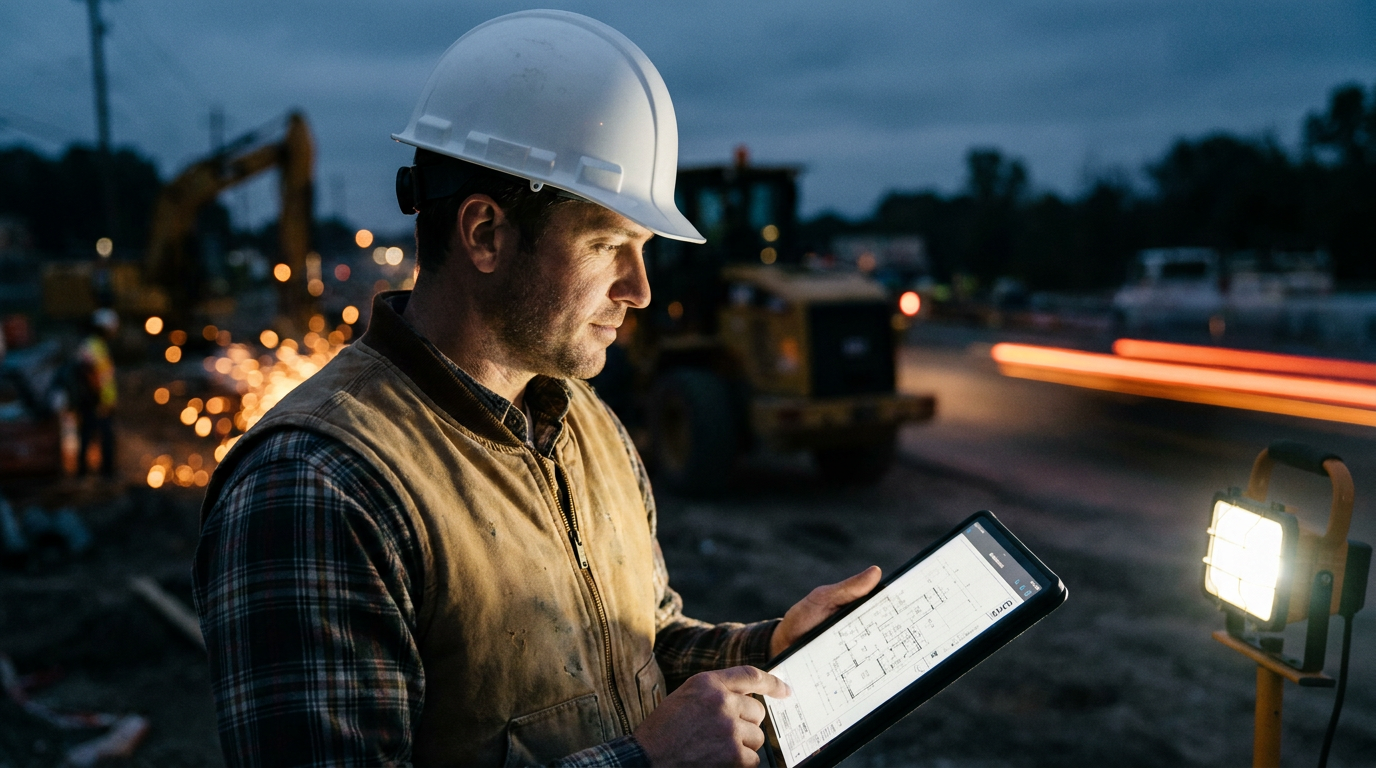
AI for subcontractor communication works by automating routine messages, summarizing long email chains, and creating clear action items. This helps general contractors save time, reduce misunderstandings, and keep projects on schedule by ensuring everyone has the latest information without constant phone calls or manual follow-ups.
The Real Cost of Bad Communication
Managing subcontractors can feel like a full-time job on top of your actual job. You’re chasing down answers, clarifying misread emails, and putting out fires caused by someone having the wrong version of the schedule. It’s exhausting. The constant back-and-forth drains your time and your patience.
This isn't just annoying; it costs real money. A 2018 FMI study found that poor communication and bad data cost the U.S. construction industry over $31 billion in a single year. That’s money lost to rework, project delays, and safety incidents. Every time a sub works off an old drawing or misses a scheduling update, it hits your bottom line.
This is where Artificial Intelligence (AI) steps in. Not as a robot that takes over your job, but as a smart assistant that handles the grunt work of communication. Think of it as the best office manager you’ve ever had—one that can sort through hundreds of messages in seconds and tell you exactly what you need to know.
How AI Actually Helps on the Jobsite
Let’s get practical. AI isn't about futuristic robots walking the site. It's about using software to make your existing communication smarter and faster. Here’s how you can use it right now.
- Summarize Long Email Chains: You get an email thread with 20 replies about a single RFI. Instead of spending 30 minutes reading it all, you can paste the entire chain into an AI and ask for a summary. It will give you the key points, decisions made, and outstanding questions in seconds.
- Draft Clear and Concise Messages: Need to send a schedule update to five different trades? Tell the AI what’s changing and who needs to know. It can draft a clear, simple message for each sub, tailored to their specific work. No more, no less.
- Translate and Simplify: Working with a crew or sub who speaks a different primary language? AI can translate your instructions accurately and instantly. It can also simplify technical jargon into plain language, reducing the chance of misunderstandings.
- Create Action Items: Forward a meeting transcript or a long email to your AI. Ask it to pull out all the action items, assign them to the right person, and even suggest deadlines. This turns a conversation into a to-do list automatically.
Using these tools frees you from the clutter. It lets you focus on the important parts of the job: walking the site, solving real problems, and building relationships with your trade partners. You can spend less time in your inbox and more time making sure the work gets done right.
Act as an expert construction project manager. I've pasted a long email chain below between me (the GC), the architect, the plumber, and the electrician regarding the placement of floor boxes in the main conference room.

Your tasks:
1.  Provide a one-paragraph summary of the main issue and the final decision.
2.  Create a bulleted list of action items, clearly stating who is responsible for each item (GC, Plumber, Electrician).
3.  List any outstanding questions that still need an answer.

[PASTE EMAIL CHAIN HERE]
Putting AI to Work: A Simple Game Plan
You don’t need a computer science degree to get started. The tools are already on your phone and laptop. Services like ChatGPT, Google Gemini, or Microsoft Copilot are powerful and easy to use.
Start small. Don't try to automate your entire business overnight. Pick one pain point and apply AI to it. The easiest place to start is your email inbox.
- Pick Your Tool: Sign up for one of the major AI platforms. The free versions are powerful enough to show you what’s possible.
- Start with Summaries: For one week, make it a habit to paste any email thread longer than five replies into the AI. Ask for a summary and a list of action items. See how much time you save.
- Move to Drafting: Once you're comfortable, start using it to draft messages. Ask it to write a daily update for your subs based on your notes. Or have it create a formal RFI from a few bullet points you jotted down. You can learn more about how to improve your operations with these tools.
Good prompts are key. The more specific you are with your instructions, the better the result will be. Tell the AI who it is (a project manager), what the context is (a commercial construction site), and exactly what you want it to do.
I'm the GC. I need to send a clear RFI to the structural engineer.

Here are my notes from a conversation with the framing sub:
- Framer says the beam spec'd for the 2nd-floor deck (Drawing S-2.1) seems undersized for the span.
- The span is 22 feet. The spec is a 9.25" LVL.
- The framer is concerned about deflection once the live load is on it.
- We need the engineer to confirm the spec or provide an alternative.

Draft a professional RFI. Include the drawing number, the specific location, the question, and why we are asking. Make it clear and polite.
This Isn't About Replacing People
Let’s be clear: AI will never replace a handshake, a phone call to solve a complex problem, or the trust you build with your subs over years of working together. Construction is a relationship business. It always will be.
AI is a tool to protect those relationships. It handles the low-value, repetitive communication so you have more time for the high-value conversations. It reduces the friction and frustration that comes from missed details and garbled messages.
When communication is clear, schedules are tight, and everyone knows what they need to do, the job runs smoother. Subs are happier, you're less stressed, and the client gets a better building. By letting AI manage the noise, you can focus on being the leader on site, not just the chief messenger.
Frequently asked questions
37 copy-paste prompts that save tradespeople 5+ hours a week. Plus one short email every Friday — no fluff.
More for general contractors

AI for General Contractors: A Builder's Playbook
AI for General Contractors comes down to using AI to do the slow stuff — quoting, paperwork, marketing, and customer follow-up — so you can stay on the too

How to Use AI for Construction Project Management
How to Use AI for Construction Project Management comes down to using AI to do the slow stuff — quoting, paperwork, marketing, and customer follow-up — so