
Can AI Hear You? Best Transcription for Noisy Jobsites
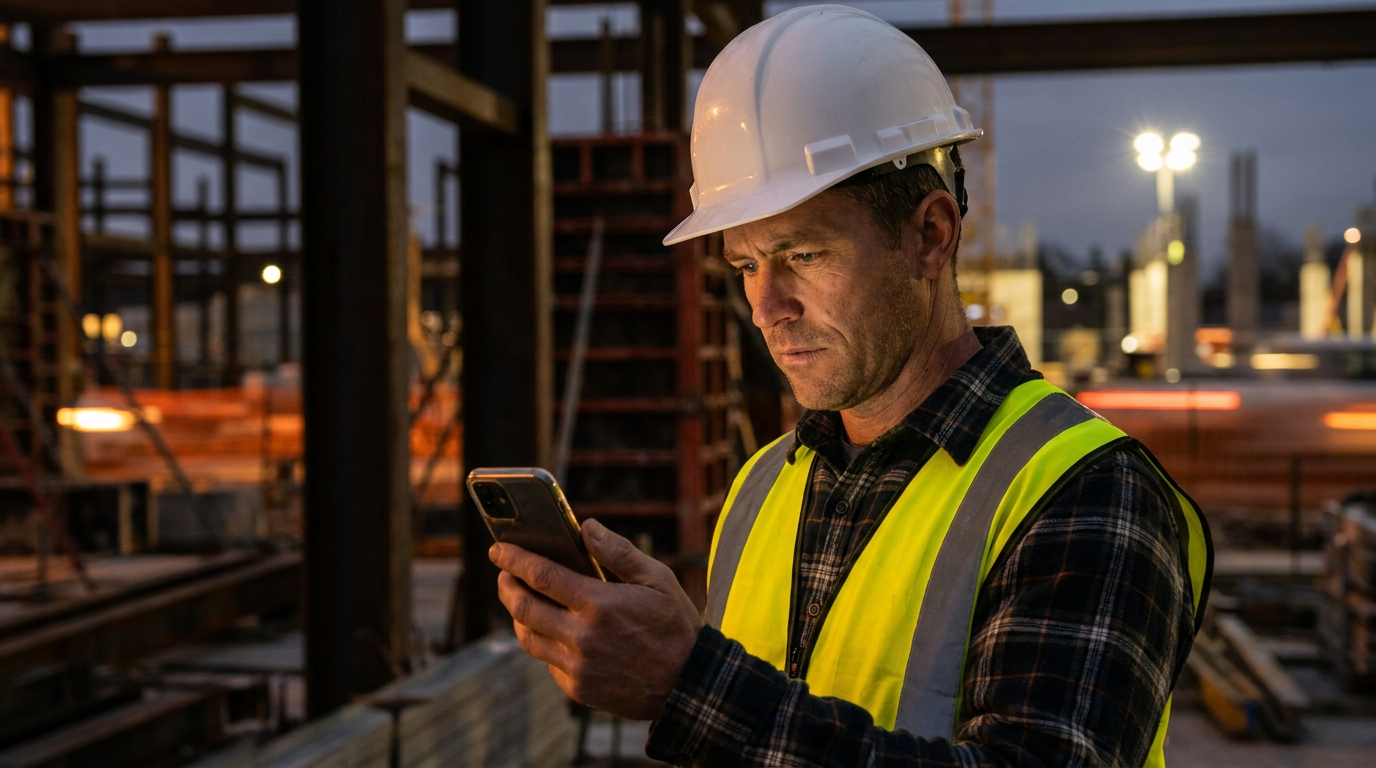
The best AI transcription for noisy construction sites combines software with strong noise cancellation, like Descript's Studio Sound, and hardware like an external lavalier microphone. This setup isolates your voice from background saws and generators, providing a clear and accurate text record for change orders or notes.
Can AI Hear You Over That Saw? Best Transcription Tools for Noisy Jobsites
Trying to jot down notes while a circular saw screams in the background is a recipe for mistakes. You're balancing a phone, trying to type with dirty thumbs, or scribbling on a piece of plywood that will get lost. It’s inefficient and unsafe. What if you could just talk, and have your notes appear, perfectly typed?
AI transcription tools promise to do just that. But most are built for quiet offices, not chaotic jobsites. We looked at the options to see which ones can handle the noise and which ones are just blowing smoke.
Why Even Bother with Transcription?
Turning your spoken words into text on a jobsite isn't just a gimmick. It’s about documentation, safety, and covering your assets.
- Accuracy: Capture every detail from a client walkthrough or a subcontractor meeting. No more arguments over what was said. This is crucial for managing change orders and avoiding disputes.
- Safety: Keep your hands free. Dictating notes means you can hold a railing or carry materials without fumbling with a phone or notepad.
- Efficiency: Turn a 10-minute verbal brain dump into a formatted punch list, email, or daily report in seconds. Stop spending your evenings typing up notes.
- Proof: A transcribed conversation is a written record. When a client says, "I never approved that," you can pull up the time-stamped transcript. It’s a powerful way to protect your business.
What to Look For in a Jobsite Transcription Tool
Not all transcription apps are created equal. For construction, you need a specific set of features that can handle the real world.
- Noise Cancellation: This is number one. The tool must be able to separate your voice from the sound of generators, impact drivers, and compressors. Look for features specifically called "noise reduction," "noise cancelling," or "studio sound."
- Accuracy with Jargon: Your transcription tool needs to understand construction language. Does it know the difference between PEX and PVC? Can it spell manufacturer names correctly? The best tools let you add custom words to a dictionary.
- Offline Capability: Cell service can be spotty on new builds or in basements. A good app lets you record audio now and transcribe it later when you have a solid internet connection.
- Speaker Identification: When you record a meeting with the homeowner and the architect, the transcript should label who said what. This feature, often called "speaker diarization," is critical for clarity.
- Simple Interface: You need an app with big, easy-to-press buttons. The last thing you want is to navigate complex menus with gloves on or in bright sunlight.
The Top Contenders for Transcription on Site
We put several popular services to the test. Here's how they stack up for a construction environment.
1. Descript
Originally built for podcasters, Descript's main advantage is a feature called "Studio Sound." With one click, it uses AI to remove background noise and echo, making your voice sound like it was recorded in a studio. It's shockingly effective, even with significant noise.
- Pros: Best-in-class noise cancellation. High accuracy. Can also edit video and audio.
- Cons: Can be more expensive and might be overkill if you just need text.
- Verdict: The top choice if audio clarity is your main goal.
2. Otter.ai
Otter is one of the most popular transcription tools out there. It's great at identifying different speakers and generating real-time transcripts. It's built more for meetings in a conference room but can hold its own in moderately noisy environments.
- Pros: Excellent speaker identification. Good mobile app. Generous free plan to start.
- Cons: Struggles with very loud, persistent background noise. Noise cancellation isn't its strongest feature.
- Verdict: Good for team meetings in the site trailer, not so much next to a running excavator.
3. Your Phone's Built-in App
Both Android (Live Transcribe) and iPhone (Voice Memos transcription) have free, built-in options. They are convenient and surprisingly capable in a quiet room.
- Pros: It's free and already installed on your device.
- Cons: Almost zero noise-canceling ability. Accuracy plummets once background noise starts.
- Verdict: Use it in a pinch for a quick personal note, but don't trust it for anything important on an active site.
How to Get Clean Transcripts from a Loud Jobsite
The software is only half the battle. How you record makes a huge difference. Follow these steps for the best results.
- Get an External Mic: This is the biggest game-changer. A simple $15-20 lavalier (or lapel) microphone that clips to your shirt collar will make a world of difference. It puts the audio source (your mouth) right next to the mic, making your voice much louder than the background noise.
- Speak Clearly and Close: Don't mumble. Position the mic or your phone a few inches from your mouth and speak at a normal, clear volume.
- Use a Custom Vocabulary: Before you start, go into your app's settings and add words specific to your trade, as well as names of clients, subs, and suppliers. This dramatically improves accuracy.
- Use AI to Clean Up the Output: Even with a good recording, the raw transcript can be messy. Use a large language model to instantly turn it into something useful. Here are a couple of prompts you can use.
Take the following messy jobsite transcript and format it as a numbered punch list for the final walkthrough at 123 Main St. Group items by room. Ignore any small talk.

[Paste raw transcript here]
Read this conversation transcript between me (the contractor) and the client. Draft a professional email to the client summarizing the requested changes and outlining them as a formal change order. Include a sentence stating that extra costs and a timeline extension will apply, pending their approval.

[Paste raw transcript here]
The Bottom Line
AI transcription is ready for the jobsite, but you have to be smart about it. Don't expect to hold your phone at arm's length next to a running generator and get a perfect script.
The winning combination today is a transcription service with powerful noise-cancellation, like Descript, paired with a cheap external lavalier microphone. This small investment in gear and software pays for itself quickly in saved time, fewer mistakes, and solid documentation that protects your business.
Frequently asked questions
37 copy-paste prompts that save tradespeople 5+ hours a week. Plus one short email every Friday — no fluff.
More for jobsite ai
How Plumbers Use ChatGPT on the Jobsite (5 Ways)
How Plumbers Use ChatGPT on the Jobsite (5 Ways) comes down to using AI to do the slow stuff — quoting, paperwork, marketing, and customer follow-up — so y

How to Use ChatGPT on the Jobsite (Practical Guide)
How to Use ChatGPT on the Jobsite (Practical Guide) comes down to using AI to do the slow stuff — quoting, paperwork, marketing, and customer follow-up — s

AI Voice Notes to Job Report in 60 Seconds
AI Voice Notes to Job Report in 60 Seconds comes down to using AI to do the slow stuff — quoting, paperwork, marketing, and customer follow-up — so you can