
Can AI Write a Site-Specific Safety Plan That Works?
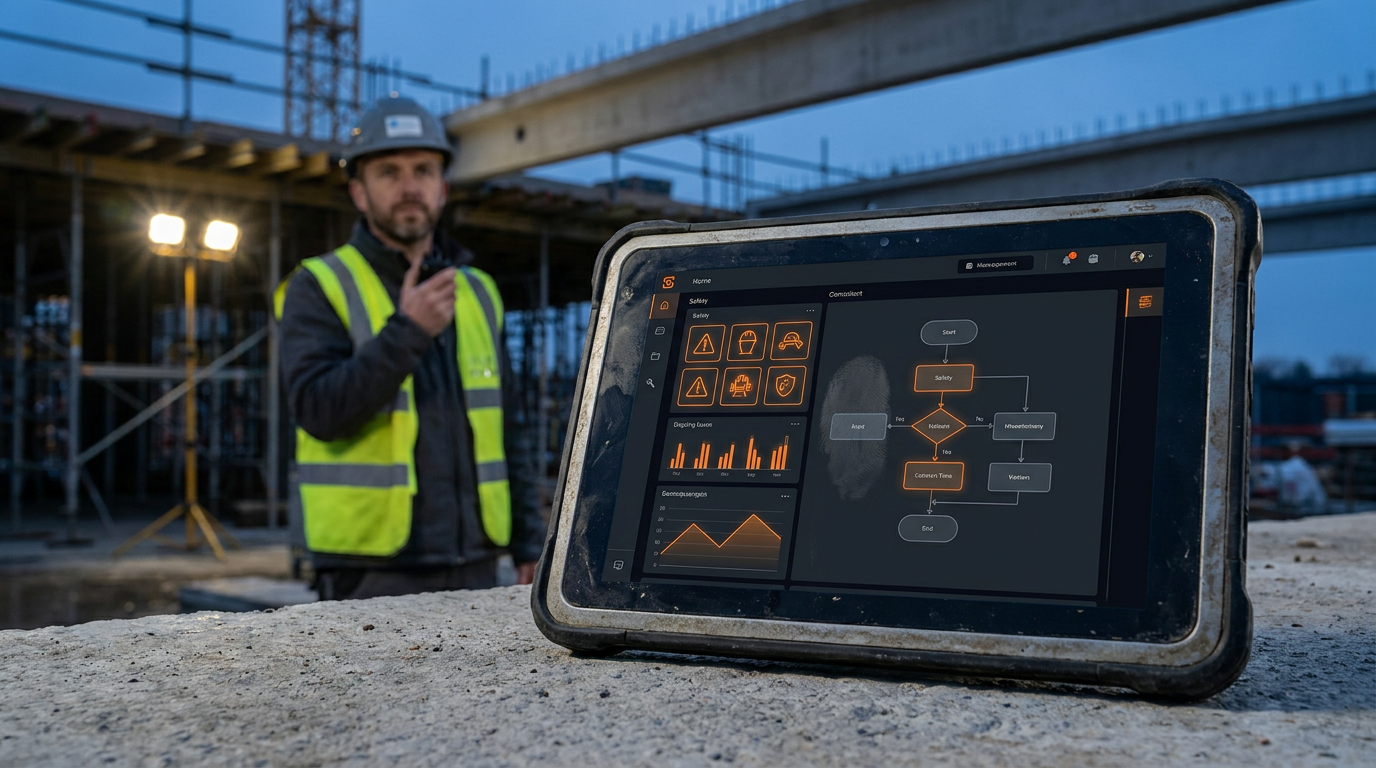
Yes, AI can create a site-specific safety plan. It is a powerful tool for drafting initial documents, identifying potential hazards, and referencing OSHA standards. However, a qualified human must always review, customize, and approve the final plan to ensure it accurately reflects real-world jobsite conditions and keeps people safe.
Can AI Write a Site-Specific Safety Plan That Works?
Let's cut to it. A safety plan isn't just paperwork. It's the document that stands between your crew going home safe or not going home at all. So when someone says a computer can write it, you have every right to be skeptical. The idea of trusting a machine with your team's well-being sounds wrong.
But here's the reality. AI isn't going away. And it can be a powerful tool if you know how to use it right. The question isn't if AI can write a safety plan. The real question is how you can use it to make your safety plans better, faster, and more thorough, without ever taking your eyes off the ball.
This is not about replacing your safety guy or your own common sense. It's about adding a new, powerful tool to your jobsite toolbox.
What a Real Safety Plan Needs
Before we let a machine take a crack at it, let's remember what a Site-Specific Safety Plan (SSSP) actually is. It's a living document that outlines the specific hazards of a particular jobsite and the exact steps you'll take to control them. It’s required by OSHA and, more importantly, by common sense.
A good SSSP includes:
- Project Information: Names, contact info, and the address of the site.
- Roles and Responsibilities: Who is the competent person? Who is responsible for first aid? Who calls 911?
- Hazard Identification: A detailed list of potential dangers, from falls and electrical risks to chemical exposure and trench collapse.
- Control Measures: For every hazard identified, what are you doing about it? This includes engineering controls, administrative controls, and personal protective equipment (PPE).
- Emergency Procedures: What to do in case of fire, medical emergency, or other incidents. This includes evacuation routes and muster points.
- Training and Communication: How you'll make sure every single person on site knows the plan. This includes new hire orientation and daily toolbox talks.
This isn't a generic template you download and forget. It has to be tailored to the unique conditions of that site on that day. That's where the challenge is, and it's where AI can either help or hurt.
Where AI Shines (And Where It Fails)
Think of AI as a brand-new apprentice. It's incredibly fast, has memorized every rulebook ever written, but has zero real-world experience. You wouldn't let it run the job, but you can use it to do the heavy lifting.
Where AI Helps:
- Speed: An AI can draft a 20-page safety plan outline in about 30 seconds. This saves you hours of staring at a blank document.
- Data Access: It can instantly reference thousands of pages of OSHA regulations (like 29 CFR 1926 for construction), industry best practices, and accident data to suggest hazards you might overlook.
- Consistency: It helps you create a standardized format, ensuring you don't forget a section from one project to the next.
- Brainstorming: You can use it to generate lists of potential hazards for specific tasks, like setting up scaffolding or doing hot work.
Where AI Fails (And You Must Step In):
- No Eyes on Site: AI has never walked a muddy jobsite. It can't see the unmarked hole, the frayed extension cord, or the new guy wearing sneakers instead of steel-toed boots. It has no physical awareness.
- Lack of Context: It doesn't know about the local ordinance that requires extra fencing, the tension between two crews, or the fact that the nearby road gets dangerously busy at 3 PM. Reality is messy, and AI only knows the data it was trained on.
- Liability: The signature at the bottom of that plan is yours. When an OSHA inspector shows up, or worse, when someone gets hurt, you can't say, "the AI told me to do it." The legal and moral responsibility stays with a human.
How to Use AI to Build Your Safety Plan
Knowing its limits, you can build a workflow that uses AI as a powerful assistant. This isn't about letting the AI do the work; it's about making your work more efficient.
Step 1: Gather Your Inputs Garbage in, garbage out. The more specific your information, the better the AI's draft will be. Before you write a single prompt, gather:
- Project Name & Address
- Scope of Work (e.g., "new residential home construction," "commercial HVAC rooftop unit replacement")
- Key personnel and their roles
- Specific high-hazard tasks involved (e.g., trenching, crane lifts, roofing, confined space entry)
- The approximate start and end dates
Step 2: Use a Smart Prompt Don't just ask, "Write me a safety plan." Be specific. Use a detailed prompt that gives the AI a clear role and all the information you gathered.
Act as a certified construction safety manager. I need you to draft a comprehensive Site-Specific Safety Plan (SSSP) that is compliant with OSHA 29 CFR 1926 standards.

Project Details:
- Project Name: Miller Residence Build
- Address: 123 Main Street, Anytown, USA
- Scope: Construction of a new two-story, 2,500 sq ft single-family home.
- Key Tasks: Site clearing, concrete foundation pouring, wood framing, roofing with asphalt shingles (6/12 pitch), electrical, and plumbing.

Your draft must include sections for:
1.  Project Information & Responsibilities
2.  Job Hazard Analysis for key tasks (framing, roofing, electrical)
3.  Emergency Action Plan (including muster point and hospital route)
4.  Personal Protective Equipment (PPE) requirements
5.  Fall Protection Plan
6.  Toolbox Talk schedule
7.  Accident reporting procedure

Produce the output in clear, simple language suitable for a jobsite toolbox talk. Format it in Markdown. The plan is a draft for my review. I, the human supervisor, will make the final edits and approvals.
Step 3: Review and Edit (The Most Important Step) Print out the AI's draft. Grab a red pen and a cup of coffee. This is not a quick scan. You are now the editor-in-chief.
- Cross out anything that doesn't apply.
- Question everything. Does that control measure make sense for your crew and your tools?
- Add what's missing. What did the AI not know about your specific site?
Step 4: Walk the Site The AI's draft was created in a digital world. Now you have to connect it to the physical one. Take your edited draft and walk the entire jobsite. Look for the real-world things the AI could never know. Is there a wasp nest near the work area? Is the ground unstable after a recent rain? This is where your experience matters most.
Step 5: Finalize and Communicate Incorporate your on-site findings into the final document. This is now your plan, not the AI's. The last step is to communicate it to your crew. Hold a meeting, go over the key points, and make sure everyone knows their role and signs off on it.
Prompts to Get You Started
Here are a couple more prompts you can copy and paste to handle specific safety tasks.
Act as an OSHA compliance expert. I am preparing for a residential roof replacement on a 2-story house with a 7/12 pitch roof. The crew will be using pneumatic nailers and an aerial lift for materials.

Create a Job Hazard Analysis (JHA) for this specific task. Structure it as a table with three columns:
1. Task Step (e.g., Site Setup, Tearing Off Old Shingles, Installing New Shingles)
2. Potential Hazard (e.g., Falls, Electrocution, Noise)
3. Control Measure (e.g., Personal Fall Arrest System, De-energize power lines, Hearing Protection)

Focus on the top 5-7 most critical hazards for this job. Keep the language simple and direct.
I need to give a 5-minute toolbox talk tomorrow morning about silica dust safety. My crew is doing concrete cutting with gas-powered saws.

Write a simple, direct script for this talk. It should cover:
1. What silica is and why it's dangerous.
2. Three specific things we will do on this site to control the dust (e.g., using water, wearing N95 respirators).
3. What to do if they see a problem.

Keep it under 250 words. The tone should be serious but not preachy. End with a question to make sure they were listening.
The Bottom Line: Human Oversight is Non-Negotiable
An AI-generated safety plan is not a finished product. It's a starting block. It can help you get going faster and might even point out something you hadn't considered. But it is not a substitute for the experience, judgment, and legal responsibility of a competent person.
Safety is a culture, not a document. Using AI to draft the document can free up your time to focus on what really matters: being on site, talking to your crew, and leading by example. That's how you actually keep people safe.
Frequently asked questions
37 copy-paste prompts that save tradespeople 5+ hours a week. Plus one short email every Friday — no fluff.
More for jobsite ai
How Plumbers Use ChatGPT on the Jobsite (5 Ways)
How Plumbers Use ChatGPT on the Jobsite (5 Ways) comes down to using AI to do the slow stuff — quoting, paperwork, marketing, and customer follow-up — so y

How to Use ChatGPT on the Jobsite (Practical Guide)
How to Use ChatGPT on the Jobsite (Practical Guide) comes down to using AI to do the slow stuff — quoting, paperwork, marketing, and customer follow-up — s

AI Voice Notes to Job Report in 60 Seconds
AI Voice Notes to Job Report in 60 Seconds comes down to using AI to do the slow stuff — quoting, paperwork, marketing, and customer follow-up — so you can