
Can AI Read a PT Chart for Refrigerant Diagnostics?
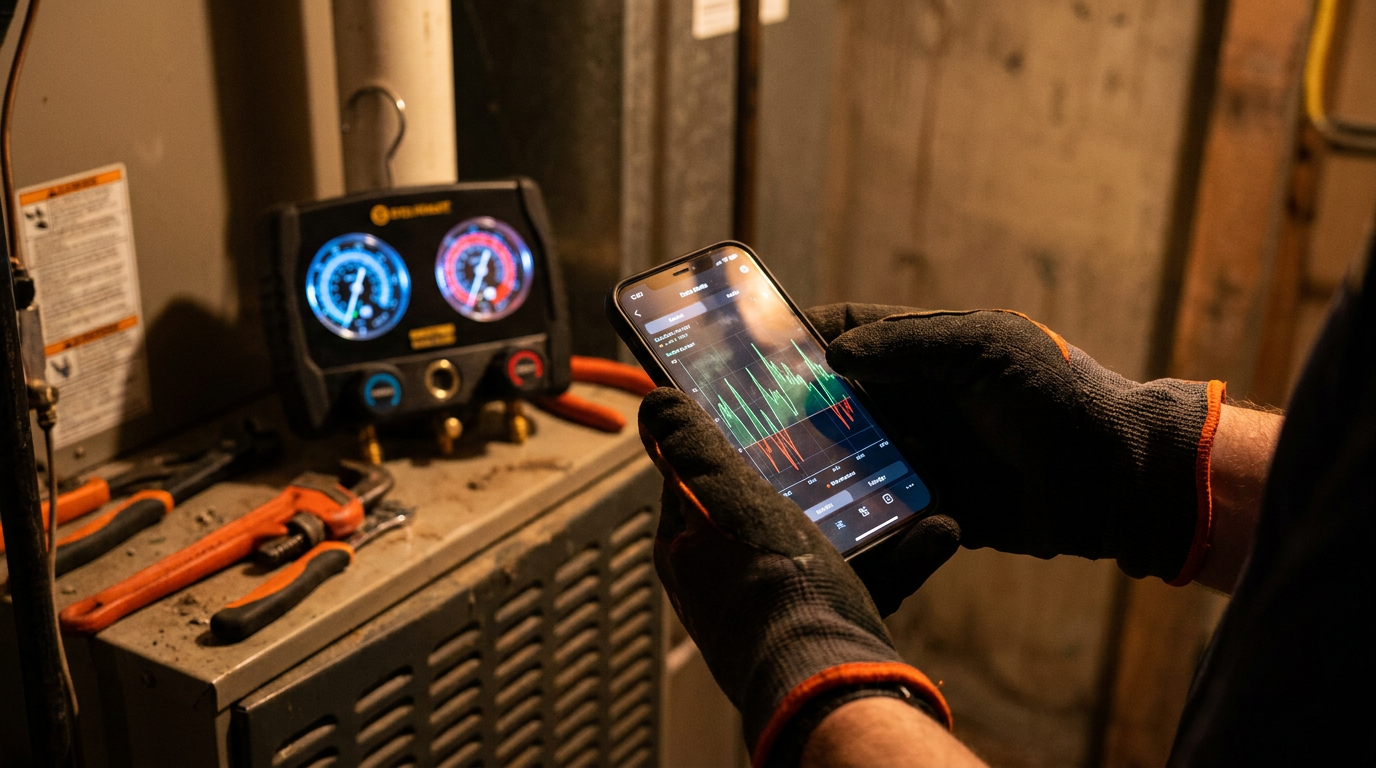
Yes, AI can interpret a refrigerant pressure-temperature chart by accessing the underlying data, not by visually reading it. You provide the pressure, and it gives you the saturation temperature. More advanced AIs can use your pressure and temperature readings to calculate superheat and subcooling, helping you diagnose system issues faster.
Can AI Read a PT Chart for Refrigerant Diagnostics?
Your PT chart is probably stained, folded, and lives in your tool bag or on your van's dashboard. You know it like the back of your hand. But what if a machine could read it for you, do the math, and even suggest what's wrong with the system? That's the promise of AI.
We're not talking about a robot that unfolds your crumpled chart. We're talking about using an AI chatbot, like ChatGPT or Google's Gemini, as a diagnostic sidekick. It can speed up the mental work so you can focus on the hands-on fixes that actually make you money.
Let's cut through the hype. Here's how AI can actually help an HVAC tech in the field, what it's good for, and where it still needs a pro to take the lead.
Back to Basics: What a PT Chart Tells You
Before we get into AI, let's have a quick refresher. A pressure-temperature (PT) chart is the foundation of refrigeration diagnostics. It shows the boiling point (saturation temperature) of a specific refrigerant at a given pressure. This relationship is key to everything.
When a refrigerant is saturated, it's a mix of liquid and vapor. This happens in two places in the system:
- The Evaporator Coil: Where liquid boils into vapor, absorbing heat.
- The Condenser Coil: Where vapor condenses into liquid, releasing heat.
By comparing the saturation temperature from your PT chart to the actual temperature of the refrigerant line, you get two critical numbers: superheat and subcooling. These tell you the real story of what's happening inside the sealed system.
How AI Tackles a PT Chart
AI doesn't "read" a chart with eyes. It accesses a massive database of information, which includes the scientific data that PT charts are built from. When you ask it a question about a refrigerant, it's not looking at a picture of a chart; it's querying a data table.
This makes it incredibly fast and accurate for simple lookups. No more squinting at tiny numbers or trying to guess the temperature between two lines. You just ask.
I'm checking a system that uses R-410A refrigerant. My low-side pressure gauge reads 118 PSIG. What is the saturation temperature in Fahrenheit?
The AI can instantly tell you the saturation temperature is about 40°F. This is a simple task, but doing it instantly saves you a few minutes. Those minutes add up over a long day.
The Real Power: AI for Diagnostics
Simple lookups are handy, but the real value is in diagnostics. AI can take the raw numbers you pull from the system and do the math for you. It can calculate superheat and subcooling and then, based on those results, suggest possible causes.
Think of it as a super-powered calculator that also took all the classes you did. You still need to gather the data correctly, but the AI can handle the analysis.
Here's a more advanced way to use it:
I'm working on a residential R-410A air conditioning system. Here are my readings:

- Suction line pressure: 118 PSIG
- Suction line temperature (measured 6 inches from the service valve): 52°F
- Liquid line pressure: 380 PSIG
- Liquid line temperature: 95°F

Calculate the system's superheat and subcooling. Based on these values, what are some possible system issues I should investigate?
An AI can process this and report back:
- Saturation Temps: It will find the saturation temp for 118 PSIG (approx. 40°F) and 380 PSIG (approx. 112°F).
- Calculations: It will calculate Superheat (52°F - 40°F = 12°F) and Subcooling (112°F - 95°F = 17°F).
- Analysis: It would likely state that these numbers are within a generally acceptable range for many systems, but could be slightly high on the subcooling side. It might suggest checking the manufacturer's specific target values and looking for minor issues like a slightly dirty condenser coil or a small overcharge.
This immediate feedback loop can confirm what you already suspect or point you in a direction you hadn't considered. It's a way to double-check your own knowledge and improve your business operations by speeding up diagnostic time on each job.
Where AI Still Needs a Human Touch
AI is a tool, not a replacement. It's only as good as the information you give it. This is the most important thing to remember. Garbage in, garbage out.
Here's what AI can't do:
- Connect Gauges: It can't ensure your hoses are purged and your connections are tight. A bad reading will lead to a bad diagnosis.
- Use a Thermometer: It can't guarantee your pipe clamp is making good contact or that you're measuring at the right spot on the line.
- Check the Real World: It can't see a clogged filter, a dirty condenser coil, or a blocked return vent. It can't hear a compressor struggling or feel a restriction in a filter-drier.
- Know the Context: It doesn't know if it's a 95°F day in Phoenix or a 75°F day in Seattle. It doesn't know the specific target superheat for the fixed-orifice system you're working on.
You are the expert on site. The AI is in an office building somewhere. Your job is to feed it accurate data and then use its analysis, combined with your own senses and experience, to find the root cause of the problem.
Use AI to confirm your theories or explore possibilities, especially with complex problems.
An R-22 residential AC unit has high superheat and low subcooling. The customer says it's "not cooling well." List the most common causes for this combination of readings, from most likely to least likely.
This prompt helps you build a mental checklist. The AI will likely list things like a low refrigerant charge, a metering device restriction (like a stuck TXV), or a liquid line restriction. It organizes the possibilities so you can work through them methodically.
Ultimately, AI can make a good tech faster and more confident. It's another tool for your truck, just like your manifold or your vacuum pump. Learn how to use it, but never forget that your experience is what truly solves the problem.
Frequently asked questions
37 copy-paste prompts that save tradespeople 5+ hours a week. Plus one short email every Friday — no fluff.
More for hvac

AI for HVAC Contractors: Everything You Need to Know
AI for HVAC Contractors comes down to using AI to do the slow stuff — quoting, paperwork, marketing, and customer follow-up — so you can stay on the tools.

ChatGPT for HVAC Technicians: 20 Real Use Cases
ChatGPT for HVAC Technicians comes down to using AI to do the slow stuff — quoting, paperwork, marketing, and customer follow-up — so you can stay on the t
AI HVAC Load Calculation: Manual J in Minutes
AI HVAC Load Calculation comes down to using AI to do the slow stuff — quoting, paperwork, marketing, and customer follow-up — so you can stay on the tools