
CompanyCam AI Features Review: Worth the Upgrade for Your Crew?
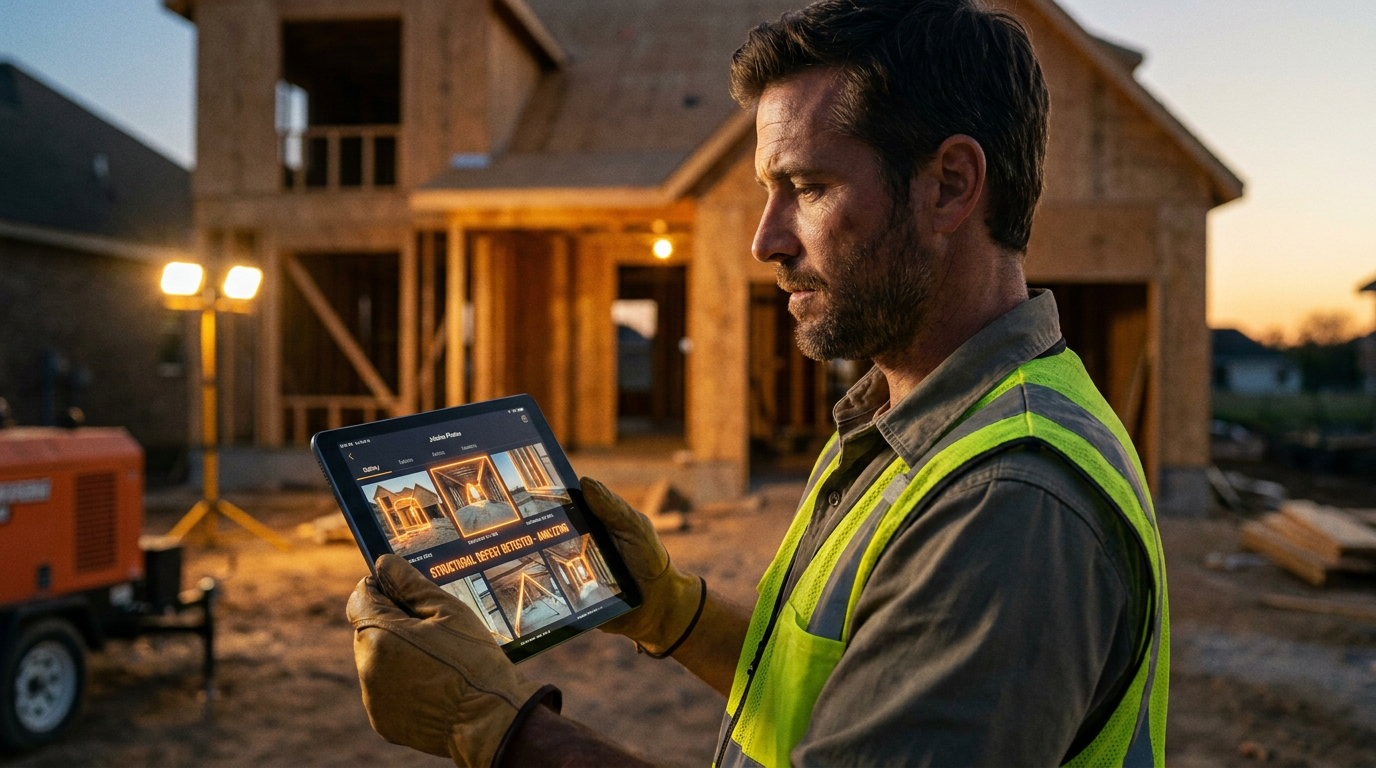
Yes, CompanyCam's AI features are worth the upgrade if your team struggles with documenting job progress or creating reports. The AI automates tedious tasks like tagging photos and generating summaries, saving time and improving communication. For crews already efficient with documentation, the benefits might be smaller.
Is CompanyCam's AI a Game-Changer or Just a Gadget?
We all know CompanyCam. It’s the standard for taking and organizing jobsite photos. It solved the huge headache of having thousands of pictures scattered across your crew's phones. Now, they've added Artificial Intelligence (AI) to the mix. The big question is, is this new tech just a shiny object, or does it actually help you run a better business?
This isn't about hype. It's about whether these features save you time, make you more money, or protect you from liability. We're going to break down what CompanyCam's AI actually does, where it shines, and where it still needs work. We’ll help you decide if upgrading to the Premium plan is the right move for your company.
What Are the CompanyCam AI Features?
CompanyCam rolled out a few key AI tools, all designed to cut down on manual work. They live inside the app you already use, but you need to be on their Premium plan to access them. Let's look at what you get.
AI Photo Tagging
Instead of you or your crew manually adding tags to every photo, the AI scans the image and suggests tags automatically. It can identify things like 'roof', 'window', 'siding', 'water damage', or 'electrical panel'.
- How it helps: Saves a ton of time. When you have hundreds of photos from a big job, finding the one you need becomes much faster. It also creates consistency, so you don't have one guy tagging 'siding' and another tagging 'exterior cladding'.
AI Project Summaries
This is the heavy hitter. The AI can look at all the photos, comments, and notes in a project and write a summary for you. You can ask it to create a daily report, a customer update, or a detailed scope of work.
- How it helps: This turns hours of office work into a few seconds of processing. Project managers can generate daily reports without having to call every crew leader. Salespeople can create quick, professional updates for clients. And when it comes to insurance claims, this tool can build a powerful narrative with evidence to back it up.
AI Note Transcription
Most of us are faster at talking than typing, especially with gloves on. This feature lets you speak your notes into the phone, and the AI transcribes them into text attached to a photo or project. It's voice-to-text, but built right into your documentation workflow.
- How it helps: It encourages more detailed notes. A tech can easily add a 30-second explanation about a tricky install or a specific problem they found. This adds crucial context that often gets lost.
The Good: Where AI Makes Your Job Easier
Let's get down to brass tacks. Here's where the AI features earn their keep.
- Massive Time Savings: The biggest win is cutting down on administrative work. Think about the time your PMs or office staff spend chasing down info, organizing photos, and writing reports. The AI automates a huge chunk of that. That’s more time for bidding new jobs or managing the ones you have.
- Better, More Consistent Documentation: The AI doesn't get tired or lazy. It tags photos the same way every time. It encourages detailed notes through easy transcription. This leads to a stronger, more searchable project history. Better documentation is your best defense in a dispute. It also makes your quoting process tighter because your records are crystal clear.
- Improved Communication: Clear, AI-generated summaries keep everyone on the same page. The office knows what happened on site. The customer gets a professional-looking update. The insurance adjuster gets a clear, evidence-based report that's hard to argue with. This reduces phone tag and misunderstandings.
The Not-So-Good: What to Watch Out For
No tool is perfect. Here are the downsides you need to consider before you spend the extra money.
- It Costs More: The AI features are only available on the CompanyCam Premium plan. As of late 2023, this is a significant price jump from their Pro plan. You have to do the math. Will the time saved by your crew and office staff cover the increased monthly cost? For a small crew, it might be a tough sell. For a larger operation, it could be a no-brainer.
- It's Not Magic: The AI is good, but it's not a person. It can misidentify an object in a photo. It can mishear a word in a transcription. You still need a human to review the output. Don't just copy and paste an AI summary to a client without reading it first. Think of it as a very capable assistant, not a replacement for your own judgment.
- Adoption and Training: Your crew needs to use it correctly for it to work. They need to learn to speak clearly for transcriptions and to check the AI's suggested tags. It's not a huge learning curve, but if your team is resistant to new tech, you might face some friction getting them on board.
How to Use CompanyCam AI on the Job
Let's put this into a real-world scenario. Imagine you're a roofing contractor inspecting storm damage.
- Document Everything: Your tech arrives on site and starts taking photos of the roof, gutters, and siding. As they snap pictures, the AI suggests tags like
hail damage,missing shingles,dented flashing, anddownspout. - Add Spoken Notes: At a spot with heavy damage, the tech holds up the phone and says, "This section over the garage has at least 20 shingles lifted or missing. The underlayment is exposed. Significant granule loss across the entire south-facing slope."
- Generate the Report: Back at the truck, the tech opens the project and uses the AI summary feature. They use a prompt to get the ball rolling.
Create a detailed summary for an insurance claim based on the photos and notes in this project. Focus on identifying all points of damage, including hail impacts on shingles, vents, and soft metals. List the specific locations and severity of the damage. Format it as a scope of work.
The AI spits out a formatted report detailing the damage, referencing the photos as evidence. The tech gives it a quick read, makes a few small edits, and sends it straight to the office. The insurance paperwork is 90% done before he's even pulled away from the curb.
Here is another prompt your team could use.
Write a friendly, professional project update for the homeowner. Summarize the work completed today, mention that we cleaned up the site, and state what the next steps are for tomorrow. Keep the tone positive and reassuring.
The Verdict: Is It Worth the Upgrade?
For most growing trade businesses, the answer is yes. If documentation, reporting, and communication are pain points that cost you time and money, the CompanyCam AI features are a powerful solution.
The cost of the Premium plan can be easily justified if it saves even a few hours of a project manager's or admin's time each week. The improved quality of documentation is a huge bonus that can save your skin in a warranty claim or client dispute.
However, if you're a one-person shop or have a small, highly efficient crew that already has a bulletproof documentation system, you might not see enough benefit to justify the cost. The best approach is to try it. If your business depends on solid jobsite proof, the upgrade is likely a smart investment.
Frequently asked questions
37 copy-paste prompts that save tradespeople 5+ hours a week. Plus one short email every Friday — no fluff.
More for jobsite ai

How Plumbers Use ChatGPT on the Jobsite (5 Ways)
How Plumbers Use ChatGPT on the Jobsite (5 Ways) comes down to using AI to do the slow stuff — quoting, paperwork, marketing, and customer follow-up — so y

How to Use ChatGPT on the Jobsite (Practical Guide)
How to Use ChatGPT on the Jobsite (Practical Guide) comes down to using AI to do the slow stuff — quoting, paperwork, marketing, and customer follow-up — s

AI Voice Notes to Job Report in 60 Seconds
AI Voice Notes to Job Report in 60 Seconds comes down to using AI to do the slow stuff — quoting, paperwork, marketing, and customer follow-up — so you can