
Framer AI vs Webflow AI: Build a Contractor Website
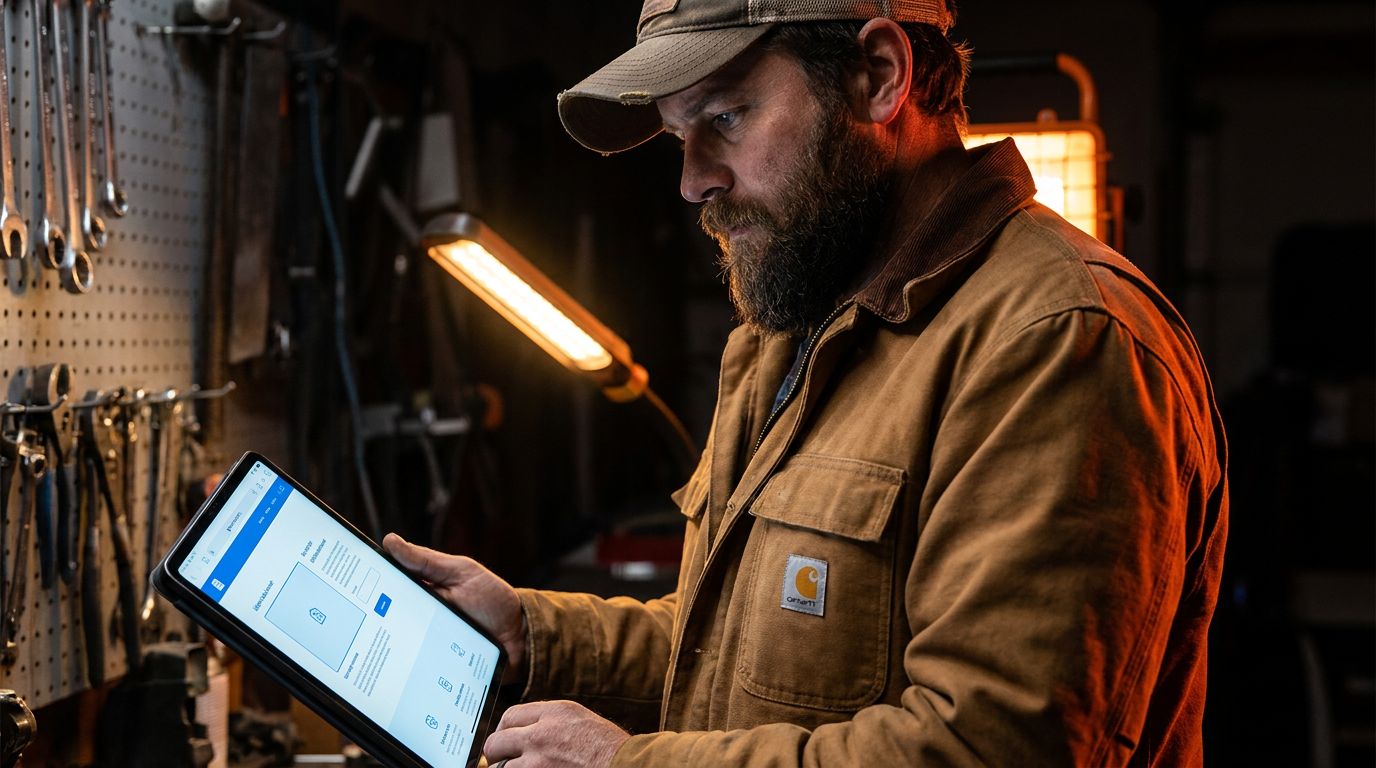
For most contractors, Framer AI is the better choice for getting a professional website online quickly. Its AI can generate a full site from a simple prompt. Webflow AI offers more power and customization, making it ideal for contractors who want a long-term, highly-customized marketing tool.
Framer AI vs. Webflow AI: Building a Contractor Website Without the Headache
You need a website that looks professional and brings in leads. You don't need a part-time job figuring out code or hiring some kid who charges a fortune. Today, new tools like Framer AI and Webflow AI promise to build your site for you. But which one is right for a contractor?
Let's cut through the tech talk. We'll compare Framer AI and Webflow AI on the things that matter to your business: speed, cost, control, and whether they can actually help you land more work. This isn't about building a fancy art project. It's about building a tool for your business.
What is Framer AI?
Think of Framer AI as a super-fast site generator. You give it a simple text prompt, like "build a website for a residential roofing contractor in Denver, Colorado," and it spits out a complete, multi-page website in about a minute. It creates the layout, writes the text, and finds stock photos.
It's designed for speed and simplicity. You can then go in and tweak the colors, swap out photos for your own project pictures, and edit the text. It's the closest thing to an instant website that actually looks good.
Pros for Contractors:
- Incredibly Fast: Go from zero to a full website in minutes.
- Easy to Use: If you can write an email, you can use Framer AI.
- Good-looking Designs: The sites look modern and professional right away.
What is Webflow AI?
Webflow is a more powerful and flexible website builder. It has been the go-to for serious designers for years. Webflow AI is a set of new features built into this powerful platform. It doesn't generate a whole site from one prompt like Framer.
Instead, Webflow AI helps you with specific tasks. It can write or edit text for you, create complex page layouts automatically, and help make your site friendly for search engines like Google. It works more like a smart assistant inside a professional workshop.
Pros for Contractors:
- Total Control: You can build almost any design you can imagine.
- Powerful CMS: Webflow has a best-in-class Content Management System (CMS). This is perfect for creating and managing a project portfolio, which is critical for showing off your work.
- Scalable: A Webflow site can grow with your business, from a simple one-pager to a major marketing machine.
Head-to-Head: Framer AI vs Webflow AI
Let's put them side-by-side based on what a contractor needs.
Ease of Use
Winner: Framer AI
There is no contest here. Framer AI is built for beginners. You type a sentence and get a website. Editing is straightforward, using simple menus. Webflow has a much steeper learning curve. It's a professional tool with hundreds of options, which can feel overwhelming if you just want to get a site online.
AI Features: Generation vs. Assistance
Winner: It depends on your goal.
- Framer AI generates. It does the heavy lifting up front, creating the entire structure. This is great for getting started fast but can feel a bit cookie-cutter.
- Webflow AI assists. It helps you build better and faster within a more manual environment. It's great for refining your message or building out a specific section, like a service page.
For a contractor who wants to spend a total of two hours on their website, Framer's generation approach is better. For someone willing to invest time to build a unique online presence, Webflow's assistance is more valuable.
Generate a professional and trustworthy website for 'Bolt Electric,' an electrical contractor based in Austin, Texas. The site should have a homepage, an 'Our Services' page (listing residential, commercial, and emergency services), a 'Project Gallery' page, and a 'Contact Us' page with a simple form. The design should be clean, using a color palette of dark blue, white, and safety orange accents. The tone of the copy should be direct, confident, and focused on safety and reliability.
Building a Project Portfolio
Winner: Webflow AI
This is where Webflow pulls ahead for serious contractors. A strong portfolio showing your best work is how you win bigger jobs. Webflow's CMS is built for this. You can create a collection of your projects, each with photos, descriptions, locations, and categories (like 'Kitchen Remodels' or 'Commercial Fit-outs').
You can then display these projects anywhere on your site, filterable by category. Framer can do a basic gallery, but it's not as powerful or flexible for managing a growing list of jobs. If your portfolio is your main selling point, Webflow is the better tool for the job.
Cost
Winner: Framer AI (for a basic site)
Both platforms have free tiers to get you started. To connect your own domain (like YourCompany.com), you'll need a paid plan.
- Framer's basic paid plan is usually cheaper than Webflow's. It's a great value for what you get, especially if you just need a simple, professional-looking site.
- Webflow's plans can get more expensive, especially if you need the full power of their CMS for a large portfolio. However, you're paying for a more robust and scalable platform.
Always check their current pricing, but generally, Framer is the budget-friendly choice to get online, while Webflow is an investment in a more powerful tool.
Write the content for a new service page on a plumbing company's website. The service is 'Trenchless Sewer Repair.' The target audience is homeowners who are worried about their yard being dug up. Explain what trenchless repair is in simple terms. Highlight the main benefits: minimal digging, saving the lawn and driveway, faster job completion, and often being more cost-effective in the long run. Include a call to action to 'Get a No-Dig Quote Today.'
The Verdict: Which One Is for You?
This isn't about which tool is better overall. It's about which tool is right for your business right now.
Choose Framer AI if:
- You need a website up and running this week.
- You have zero interest in learning web design.
- Your goal is a simple, professional online brochure with your contact info and a few pictures.
- You're on a tight budget.
Choose Webflow AI if:
- You see your website as a long-term marketing asset.
- You want to build a detailed project portfolio to showcase your best work.
- You want total control over the design and content.
- You're willing to spend a weekend or two learning a new, powerful tool.
For most tradespeople starting out, Framer AI is the practical choice. It gets you 90% of the way there with 10% of the effort. You can always move to a more powerful platform like Webflow later as your business and marketing needs grow.
Frequently asked questions
37 copy-paste prompts that save tradespeople 5+ hours a week. Plus one short email every Friday — no fluff.
More for marketing & seo

AI Marketing for Electrical Contractors: A 30-Day Plan
AI Marketing for Electrical Contractors comes down to using AI to do the slow stuff — quoting, paperwork, marketing, and customer follow-up — so you can st
Electrician Chatbot: Answer Customers 24/7 With AI
Electrician Chatbot comes down to using AI to do the slow stuff — quoting, paperwork, marketing, and customer follow-up — so you can stay on the tools. Bel

Plumbing SEO With AI: Rank in Your City Faster
Plumbing SEO With AI comes down to using AI to do the slow stuff — quoting, paperwork, marketing, and customer follow-up — so you can stay on the tools. Be