
Matterport vs. StructionSite: Which AI Site Capture Tool Wins?
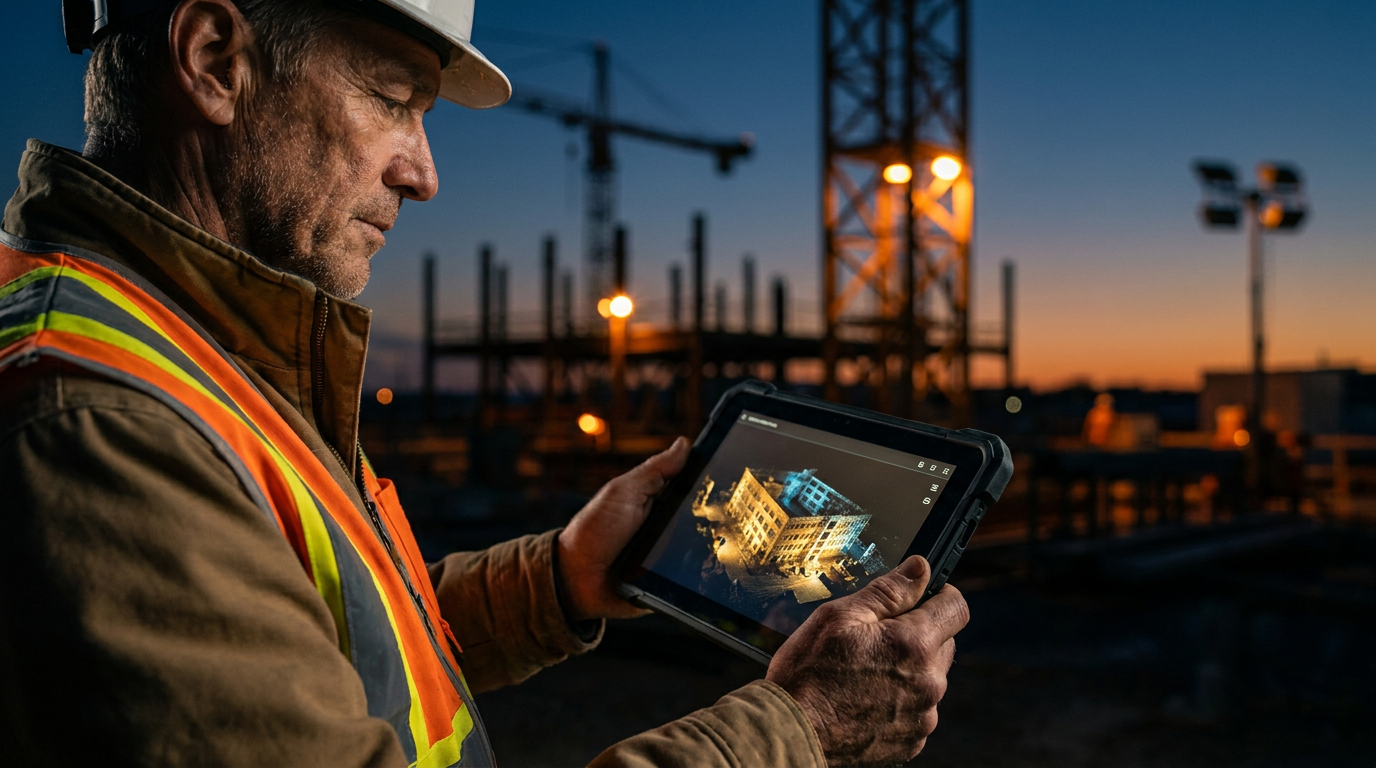
StructionSite is built specifically for construction progress tracking, using AI to analyze video and map progress against plans. Matterport creates high-quality 3D virtual tours, which are great for marketing or as-builts, but it lacks the automated construction-specific analytics that make StructionSite the superior tool for active jobsite management.
Matterport vs. StructionSite: The Right Tool for the Job
Walking a jobsite to check progress is part of the gig. But memory fades, disputes happen, and stakeholders demand proof. That's where site capture technology comes in. You get a perfect digital record of your jobsite at any point in time. Two of the biggest names you'll hear are Matterport and StructionSite.
They both use 360° cameras to capture your site, but they are built for different jobs. Think of it like a framing hammer versus a sledgehammer. Both are hammers, but you wouldn't frame a house with a sledge. Choosing the right one depends on what you need to do: create a beautiful 3D model or track real-time construction progress with AI.
Let's break down the differences so you can pick the right tool for your belt.
What is Matterport? The 3D Digital Twin
Matterport is famous for creating stunning, high-resolution 3D virtual tours. You've probably seen them used in real estate listings. You walk through a house from your computer screen. It's impressive tech. For construction, it creates a 'digital twin' of your project. This is a photorealistic 3D model you can explore, measure, and share.
Strengths:
- High-Quality Visuals: Matterport's models are top-notch. They look great and provide a clear, immersive view of the space.
- Measurement Tools: You can take accurate measurements directly within the 3D model. This is useful for verifying dimensions or planning material placement.
- Broad Use Cases: It's great for documenting existing conditions before a demo, creating as-builts for facility management, or marketing a finished space.
Weaknesses for Construction Tracking:
- Manual Progress Tracking: To compare progress over time, you have to manually flip between two different scans. It doesn't automatically tell you what's changed or what percentage of work is complete.
- Slower Capture Process: The traditional Matterport capture method involves setting up a tripod, taking a scan, moving the tripod a few feet, and repeating. This can be time-consuming on a large jobsite.
What is StructionSite? The AI Progress Tracker
StructionSite was built from the ground up for the construction industry. It's less about creating a single, beautiful model and more about tracking change over time. Its main feature is called VideoWalk. You mount a 360° camera to your hard hat, press record on your phone, and walk the site. StructionSite's AI then takes that video and automatically maps it to your project floor plans.
Strengths:
- Automated Progress Tracking: This is the game-changer. StructionSite's AI can analyze the images and compare them to your BIM model or schedule. It can automatically calculate the percentage of work completed for different trades (like drywall, MEP, etc.).
- Fast Capture: A VideoWalk is fast. You can document a 100,000-square-foot floor in under 30 minutes.
- Deep Integrations: It's designed to work with the tools you already use, like Procore, Autodesk BIM 360, and Bluebeam.
Weaknesses:
- Less 'Polished' Model: While the documentation is clear and located on a plan, it doesn't create the same seamless, walkable 3D tour as Matterport. It's a series of 360° photos tied to a location, which is more practical for a busy GC.
- Niche Focus: It's a specialized tool for construction. You probably wouldn't use it to market a finished apartment complex.
Head-to-Head: The Real Differences
Let's put them side-by-side on the metrics that matter on the jobsite.
Core Purpose: Digital Twin vs. Progress Tracking
This is the biggest difference. Matterport gives you a snapshot. It’s a beautiful, detailed 'what is' picture. It's reactive.
StructionSite gives you a timeline. It’s a 'what was, what is, and what's next' tool. Its AI features make it proactive, helping you spot issues and track against your schedule automatically.
If you need to show a remote owner what the finished lobby looks like, Matterport is great. If you need to prove to that same owner why a plumbing change order is necessary by showing before-and-after images tied to a specific date and location on a blueprint, StructionSite is built for that.
The AI Difference: What Are You Really Tracking?
Both platforms use the term 'AI', but they use it differently.
Matterport's AI is primarily focused on 'stitching' a 3D model together from your scans. Its Cortex AI engine identifies objects and dimensions to build the space. It can also automatically blur faces for privacy.
StructionSite's AI is about production tracking. Its 'SmartTrack' feature analyzes what it sees in the photos and compares it to project plans. It can identify and track installed quantities of work, like linear feet of pipe or square feet of drywall. This turns site photos into real data for your schedule and budget.
Here's a prompt you can use to figure out which platform's AI is a better fit for your needs.
Act as a construction technology consultant. My company is a [commercial general contractor / specialty subcontractor] that builds [project type, e.g., hospitals, multi-family residential, data centers].

We need a site capture tool. Our primary goal is [select one: improving stakeholder communication with visual models / automating weekly progress tracking against our schedule / reducing rework by documenting MEP installs before drywall].

Based on this primary goal, which platform, Matterport or StructionSite, is a better fit and why? List 3 specific features of the recommended platform that directly address our goal.
Integration with Your Workflow
No tool is an island. It has to work with your existing ops software.
StructionSite was built with construction project management in mind. It has deep, two-way integrations with platforms like Procore and Autodesk Construction Cloud. You can create an RFI or an Observation in StructionSite, and it will automatically sync to Procore, complete with the 360° photo, location, and all the context. This saves a ton of administrative time.
Matterport has integrations, but they are often more basic. You can embed a Matterport model into Procore, but it doesn't have the same workflow integration for things like RFIs and punch lists. The data doesn't flow as freely between the platforms.
Pricing: Apples to Oranges
Pricing for both platforms can be complex. They both typically involve a subscription fee for the software and cloud hosting.
Matterport often has a lower entry point. They offer plans based on the number of 'Active Spaces' you have. This can be cost-effective for smaller companies or those who only need to document a few projects at a time. However, you also need to buy a compatible camera, which can range from a few hundred to several thousand dollars.
StructionSite is typically priced per project or as an enterprise-wide license. Because it's a specialized tool with powerful AI analytics and deep integrations, it generally represents a larger investment. The pricing reflects the value it provides in terms of risk reduction and efficiency gains on large, complex projects.
Trying to justify the cost to the higher-ups can be a challenge. Here's a prompt to help you draft that email.
Draft a professional email to my boss, a Director of Operations, justifying the annual cost of [StructionSite / Matterport].

Our company builds [project type] and our projects last an average of [number] months. The annual cost for the software is [dollar amount].

Explain the ROI by focusing on three key benefits:
1. Reducing travel costs for remote stakeholders.
2. Winning disputes and avoiding back charges by having a date-stamped visual record of work.
3. Increasing efficiency by integrating with Procore to streamline the RFI and Observation process.

Keep the tone professional and focused on business value, not just cool tech.
The Verdict: Which One Is for You?
There's no single 'best' tool. The right choice depends on your job.
Choose Matterport if:
- You are a real estate agent, architect, or a contractor focused on marketing and as-builts.
- Your primary need is a high-quality, immersive 3D model.
- You work on smaller projects and progress tracking is a simple, manual process for you.
- Your budget is tight and you need a lower-cost entry point.
Choose StructionSite if:
- You are a general contractor or a large specialty contractor managing complex projects.
- Your primary need is automated progress tracking and reporting.
- You want to reduce risk, settle disputes quickly, and have a bulletproof record of your jobsite.
- Your team lives inside Procore or Autodesk and you need seamless integration.
For serious construction progress tracking, StructionSite is the purpose-built tool. Matterport is a fantastic product, but it's a multi-purpose tool that has been adapted for construction. StructionSite was born on the jobsite, and it shows.
Frequently asked questions
37 copy-paste prompts that save tradespeople 5+ hours a week. Plus one short email every Friday — no fluff.
More for jobsite ai

How Plumbers Use ChatGPT on the Jobsite (5 Ways)
How Plumbers Use ChatGPT on the Jobsite (5 Ways) comes down to using AI to do the slow stuff — quoting, paperwork, marketing, and customer follow-up — so y

How to Use ChatGPT on the Jobsite (Practical Guide)
How to Use ChatGPT on the Jobsite (Practical Guide) comes down to using AI to do the slow stuff — quoting, paperwork, marketing, and customer follow-up — s

AI Voice Notes to Job Report in 60 Seconds
AI Voice Notes to Job Report in 60 Seconds comes down to using AI to do the slow stuff — quoting, paperwork, marketing, and customer follow-up — so you can