
Stop Fighting PDFs: AI for Creating Paint Submittals
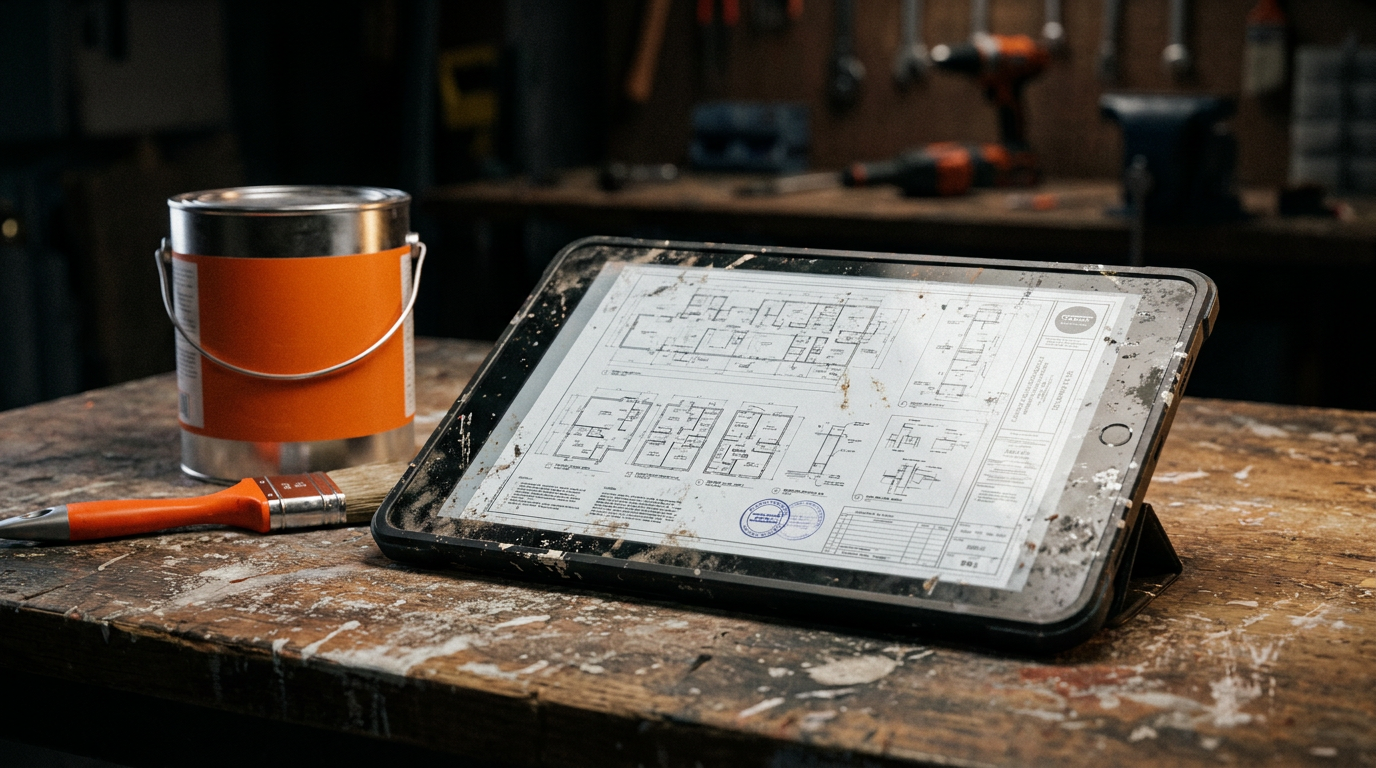
Using AI for creating paint submittals lets you upload project documents like spec books and drawings. The AI reads these files, extracts the exact paint requirements, and organizes the data for your submittal package. This process cuts down on manual data entry and reduces the chance of costly errors.
You Didn't Get into Painting to Do Paperwork
It’s a familiar story. The job is won, the crew is ready, but first, you have to get through the paperwork. For painters, that means building a paint submittal. You spend hours digging through hundreds of pages of PDF plans and spec books. You're trying to find every single mention of paint, primer, and finish.
It's slow, boring work. Your eyes glaze over looking at section 09 91 00. You use highlighters and make notes, then you have to type it all up. One missed detail about a primer for steel door frames could mean a rejected submittal, a delayed start, and a hit to your profit.
That whole process is a time sink that keeps you off the jobsite and chained to a desk. It’s broken. But now, there's a better way to handle it.
The Old Way Is a Recipe for Mistakes
Let’s be honest about the traditional way of making a paint submittal:
- Download and Print: You get a massive PDF, sometimes hundreds of pages long, and probably print out the important sections.
- The Treasure Hunt: You grab a highlighter and start hunting. You scan for keywords like "paint," "coating," "finish," and "primer." You're looking for surfaces, manufacturers, product numbers, and number of coats.
- Cross-Referencing Hell: The paint schedule says one thing, but a note on drawing A-502 says another. You have to figure out which one is right, maybe even write an RFI (Request for Information).
- Manual Data Entry: You open a Word doc or Excel sheet and start typing everything you found. You try to format it into a clean table.
- Gathering Data Sheets: You go to the manufacturers' websites to find and download the Technical Data Sheets (TDS) and Safety Data Sheets (SDS) for every single product.
- Assemble and Send: You combine everything into a single package and pray you didn't miss anything.
Every step here is a chance for human error. A typo in a product number or a missed location can cause big problems. This is where Artificial Intelligence, or AI, changes the game.
How AI Flips the Script on Submittals
Think of AI as a new crew member. This one is an expert at reading and understanding documents, and it works at lightning speed. When you use AI for creating paint submittals, you’re not replacing your own knowledge. You’re using a powerful tool to do the boring part of the job for you.
Instead of the old, slow process, your new workflow looks like this:
- Upload: You drag and drop the entire project spec book and relevant drawings into an AI tool.
- Ask: You give the AI a simple command in plain English.
- Review: In minutes, the AI gives you a neat summary of every paint requirement in the entire document set. It lists the surfaces, primers, and finish coats, all organized and ready to go.
This isn't science fiction. This is a practical tool that painters are using right now to save hours on every single project. It lets you focus your brainpower on solving real problems, not searching for text in a PDF.
Prompts You Can Use Today
Using AI is all about giving clear instructions. We call these instructions "prompts." A good prompt is like telling an apprentice exactly what you need. Here are a couple of copy-paste prompts you can use with an AI tool that can read documents, like ChatGPT-4 with file uploads or a specialized construction AI.
I'm a commercial painter preparing a submittal. I've uploaded a 30-page PDF of the architectural specifications, section 09 91 00. Please act as my expert assistant. Read the entire section and extract the following information for every single paint system specified: the location/substrate (e.g., 'Interior Gypsum Wallboard'), the manufacturer (e.g., 'Sherwin-Williams'), the product name and number for the primer, and the product name and number for each finish coat. Organize this information into a clean, easy-to-read table with columns for Location, Primer, First Coat, and Second Coat. Ignore all other information.
After the AI gives you the table, you can follow up with another prompt to get more work done.
Based on the table you just created, I need to generate the main body of my paint submittal cover letter. Use the extracted information to list all specified paint systems. For each system, I'll be using the exact products listed. Write a professional but straightforward paragraph that confirms compliance with the project specs. Mention that the corresponding Technical Data Sheets (TDS) and Safety Data Sheets (SDS) are attached for each product. The tone should be confident and clear, confirming we will meet all requirements of section 09 91 00.
These prompts turn hours of work into a few minutes of conversation with an AI.
Beyond Submittals: A Tool for the Whole Business
Getting your submittals done faster is a huge win, but this technology can help with more than just paperwork. Once the AI has read your project documents, you can ask it other questions that help with quoting projects and planning the job.
For example, you could ask:
- "Count how many interior doors are scheduled to be painted with finish P-1."
- "Are there any special instructions for surface preparation on exterior concrete walls?"
- "Create a list of all locations that require an epoxy coating system."
This turns your AI tool into a powerful partner for estimating and operations. It helps you understand the job's scope with more detail and accuracy than ever before. This level of detail isn't just for painters; it's a game-changer for all other trades that deal with complex specifications.
Get Your Time Back
Using AI for creating paint submittals isn't about being fancy. It's about being smart and efficient. It's about eliminating the frustrating, low-value work that bogs you down. By letting a machine handle the document digging, you free yourself up to do what you do best: manage your crew, talk to customers, and deliver a great paint job.
Stop fighting with PDFs. Stop worrying about missed details. Start using AI to build your submittals, and get back to building your business.
Frequently asked questions
37 copy-paste prompts that save tradespeople 5+ hours a week. Plus one short email every Friday — no fluff.
More for other trades

AI for Painting Contractors: Quoting to Marketing
AI for Painting Contractors comes down to using AI to do the slow stuff — quoting, paperwork, marketing, and customer follow-up — so you can stay on the to
AI for Fence Companies: 9 Practical Plays
AI for Fence Companies comes down to using AI to do the slow stuff — quoting, paperwork, marketing, and customer follow-up — so you can stay on the tools.

AI for Handyman Business: The Solo Operator Stack
AI for Handyman Business comes down to using AI to do the slow stuff — quoting, paperwork, marketing, and customer follow-up — so you can stay on the tools