
TopSolid'Wood vs. Mozaik: Which AI is Better for Cabinetry?
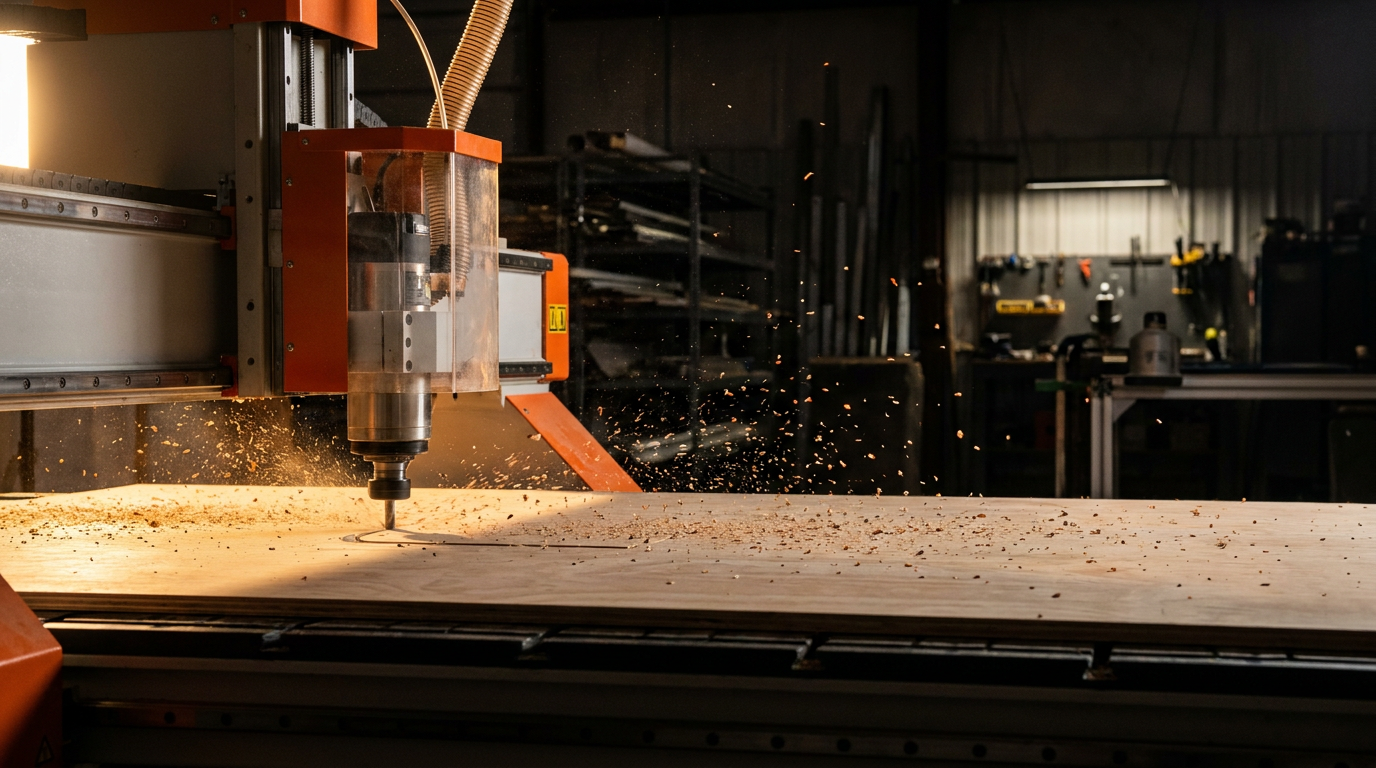
TopSolid'Wood is better for highly complex, fully custom architectural millwork due to its powerful parametric 3D modeling engine. Mozaik is superior for production-focused cabinet shops that need speed, ease of use, and efficient nesting from standardized libraries. Your choice depends on whether you build unique pieces or standardized boxes.
TopSolid'Wood vs. Mozaik: The Right Tool for the Job
In modern woodworking, your software is as important as your table saw. Choosing the right CAD/CAM system can make or break your shop's efficiency. When it comes to custom cabinetry, two big names stand out: TopSolid'Wood and Mozaik. Both promise to automate your workflow from design to CNC, but they get there in very different ways.
This isn't about which one is 'best' overall. It's about which one is best for your business. Are you a high-end custom shop building one-of-a-kind pieces? Or are you a production powerhouse cranking out kitchens and vanities? Let's cut through the noise and figure out which software fits your needs.
What is TopSolid'Wood?
Think of TopSolid'Wood as a complete engineering toolkit that happens to be amazing for wood. It's not just for cabinets; it's a full-blown parametric CAD/CAM system. The key word here is parametric. This means every part of your design is linked. Change the height of a cabinet, and the door, shelves, and hardware locations all update automatically. It's 'AI' in the sense that the software understands the relationships between parts.
Strengths:
- True Customization: You can design literally anything, from a spiral staircase to a complex reception desk. You are not limited by a library.
- Powerful Engine: It's built on a robust industrial design platform, making it stable and capable of handling massive, complex assemblies.
- Integrated CAM: The path from your 3D model to your CNC machine's G-code is seamless. It handles complex 5-axis machining that other software can't touch.
Weaknesses:
- Steep Learning Curve: This is not software you master in a weekend. Expect significant training time and cost.
- Higher Cost: The initial investment for the software and required training is substantial.
- Slower for Standard Work: Building a simple 24-inch base cabinet can take longer than in a library-based system because you are building it from the ground up.
What is Mozaik?
Mozaik is built for one thing: making cabinet makers fast and profitable. It's a library-based system. You start with a pre-built cabinet and modify it to your needs. The software is designed around the typical workflow of a residential or commercial cabinet shop.
Its version of 'AI' is all about production efficiency. It excels at taking a room full of cabinets and automatically nesting all the parts onto sheets of plywood to minimize waste, printing labels for each part, and generating cut lists and assembly sheets. It's all about speed from design to production.
Strengths:
- Speed and Ease of Use: You can go from a blank screen to a full kitchen design, ready for CNC, in a fraction of the time it would take in TopSolid.
- Production-Focused: Features like nesting, door reports, and hardware lists are built-in and easy to use. It's made to run a business.
- Lower Cost & Quicker ROI: The investment is lower, and because you can get up and running faster, you see a return on your investment sooner.
Weaknesses:
- Limited Customization: While you can modify library parts, creating something truly unique from scratch is difficult or impossible. It's not designed for that.
- Less Powerful CAD: It's not a tool for general 3D modeling. It's for building boxes, albeit very efficiently.
Head-to-Head: AI & Automation Features
Let's compare them on the features that matter most for automating your shop.
| Feature | TopSolid'Wood | Mozaik |
|---|---|---|
| Design Method | Parametric (build from scratch) | Library-based (modify existing) |
| Core 'AI' | Understands complex geometric relationships | Automates production tasks (nesting, labeling) |
| Best For | Unique, complex, one-off projects | Standardized cabinet production runs |
| CNC Output | Excellent, supports complex 5-axis | Excellent, optimized for 3-axis flat table nesting |
| Learning Curve | Very High | Low to Moderate |
| Quoting/BOMs | Powerful, but requires setup | Built-in and streamlined for cabinets |
Looking for more ways to streamline your business? Check out our other articles on improving shop operations.
Use these Prompts to Help You Decide
Sometimes you just need to organize your thoughts. You can use an AI assistant to help you build a framework for making your decision. Copy and paste these prompts.
I run a custom cabinet shop with 5 employees. We have a 3-axis CNC router. We build 70% standard kitchen cabinets and 30% custom one-off pieces like media centers and reception desks. Create a decision matrix to help me compare TopSolid'Wood and Mozaik. Include criteria like cost, learning curve, speed for standard work, capability for custom work, and quality of CNC output.
Generate a list of 10 essential questions to ask a software salesperson during a live demo for both TopSolid'Wood and Mozaik. The questions should focus on real-world use for a small cabinet shop, covering topics like post-processor support for my specific CNC, training options, annual subscription costs, and how the software handles hardware from Blum and Grass.
The Real-World Cost: More Than Just a Price Tag
Don't just look at the sticker price. The true cost includes:
- Training: TopSolid'Wood requires professional, paid training. Mozaik has great online resources and is more intuitive, but training still helps.
- Hardware: TopSolid'Wood needs a powerful, expensive workstation computer. Mozaik is less demanding.
- Downtime: How long will it take your team to become proficient? Every hour spent learning is an hour not spent building.
- Subscription/Maintenance: Both have ongoing costs for support and updates. Understand these annual fees.
The Verdict: Who Wins for Your Shop?
There is no single winner. The right choice is a reflection of your business model.
Choose TopSolid'Wood if:
- You are an architectural millwork shop.
- You regularly build complex, non-rectangular furniture and fixtures.
- You have a budget for significant investment in software and training.
- You value ultimate design freedom over production speed for standard items.
Choose Mozaik if:
- You are a residential or commercial cabinet shop.
- Your primary business is kitchens, baths, closets, and garages.
- You need to get designs to the CNC machine as fast as possible.
- Speed, efficiency, and a quick return on investment are your top priorities.
Both are powerful tools. The trick is to be honest about the kind of work you do today—and the work you want to be doing tomorrow. Then, pick the tool that gets you there.
Frequently asked questions
37 copy-paste prompts that save tradespeople 5+ hours a week. Plus one short email every Friday — no fluff.
More for other trades

AI for Painting Contractors: Quoting to Marketing
AI for Painting Contractors comes down to using AI to do the slow stuff — quoting, paperwork, marketing, and customer follow-up — so you can stay on the to

AI for Fence Companies: 9 Practical Plays
AI for Fence Companies comes down to using AI to do the slow stuff — quoting, paperwork, marketing, and customer follow-up — so you can stay on the tools.

AI for Handyman Business: The Solo Operator Stack
AI for Handyman Business comes down to using AI to do the slow stuff — quoting, paperwork, marketing, and customer follow-up — so you can stay on the tools