
What is AI OCR and How Can It Read Your Invoices?
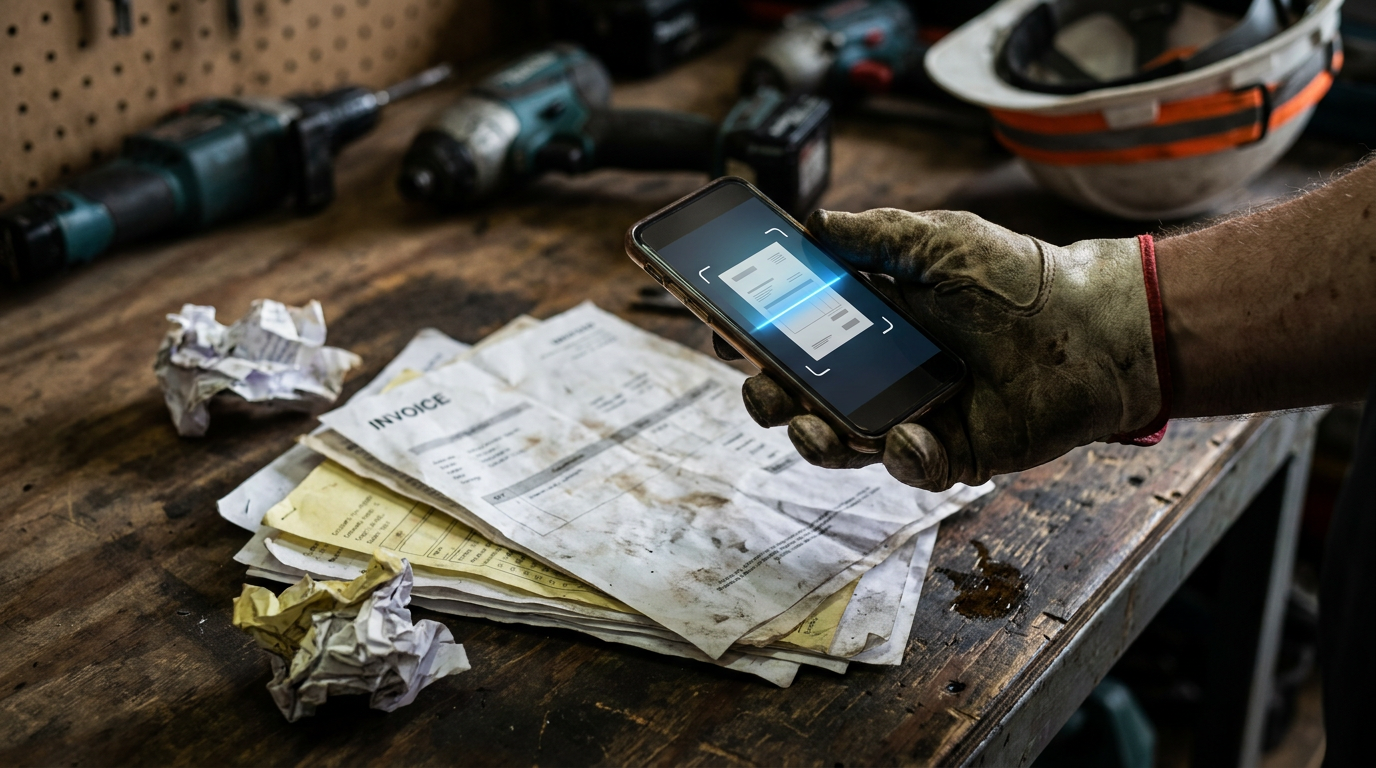
AI OCR for contractors is a tool that uses artificial intelligence to read text from images and documents, like invoices or receipts. It's smarter than old OCR because it understands the context, pulling out key details like vendor names, line items, and totals, even from messy or handwritten papers.
You didn't get into the trades to become a paper-pusher. Yet, there it is. A mountain of invoices, receipts, and change orders threatening to take over your truck's passenger seat. Every piece of paper is a task, a 10-minute job of manual data entry that steals time from bidding, building, and billing.
What if you could have a robot do it? That's basically what AI OCR is. It’s a tool that reads your paperwork for you, so you can spend more time on the job and less time at a desk.
What is OCR, Anyway?
Let's back up. OCR stands for Optical Character Recognition. It's not new technology. It’s been around for decades. At its core, OCR software looks at an image of a document and turns the letters it sees into actual text you can copy, paste, and edit.
Think about a simple scanner app. You take a picture of a page in a book, and it gives you a text file. That’s OCR. It’s useful, but it’s also pretty dumb. It just converts shapes into characters. It doesn't know that "$500.00" is a price or that "Due: 10/25/2024" is a date. It’s just a string of text.
For years, this was the best we had. It beat typing everything by hand, but it still required a lot of manual cleanup and organization. It didn't solve the core problem of understanding what the information means.
The "AI" Part is the Game Changer
This is where the "AI"—Artificial Intelligence—comes in. AI OCR is a massive leap forward. Instead of just seeing letters, it understands context. It uses machine learning to work like a human brain, but way faster.
When AI OCR scans an invoice, it doesn't just see a block of text. It identifies and categorizes the information:
- Vendor: It recognizes the logo and address of The Home Depot or your local lumber yard.
- Invoice Number: It finds the unique identifier for that bill.
- Dates: It pulls the invoice date and the due date and understands the difference.
- Line Items: It can break down the list of materials, recognizing quantities, descriptions, and unit prices.
- Totals: It finds the subtotal, tax, and final amount due.
It can do this even if every invoice from every supplier is formatted differently. The AI learns from millions of documents to know what an invoice looks like, no matter the layout. It can even handle crumpled receipts from the bottom of a tool bag or handwritten notes on a work order.
I've uploaded an image of a supplier invoice. Act as an expert data entry clerk. Analyze the invoice and extract the following information into a clean, structured format: Vendor Name, Invoice Number, Invoice Date, Due Date, Subtotal, Tax, Total Amount. Also, list each line item with its description, quantity, unit price, and total price. Pay close attention to detail and ensure accuracy, even if the image is slightly skewed or has shadows.
How Contractors Can Use AI OCR
This isn't just cool tech; it's a practical tool that solves real-world problems on the job site and in the back office. It streamlines your business operations so you can focus on the work that pays.
Invoice Processing
Your accounts payable is probably a headache. Invoices come in from subs and suppliers via email, mail, or hand-delivery. With an AI OCR tool, you just scan them. The tool extracts all the key data and can even tee it up in your accounting software, like QuickBooks or Xero, as a bill ready for payment. No more manual entry. No more typos that cost you money.
Receipt Management and Job Costing
How much are you really spending on a job? A shoebox full of receipts won't tell you until it's too late. When your crew buys materials, they can just snap a picture of the receipt. The AI OCR app captures the vendor, date, and total amount. More advanced tools let you tag the expense to a specific job right then and there.
This gives you a real-time look at your job costs. You can see if you're going over budget on materials and make adjustments before it kills your profit margin.
Change Orders and Documents
Signed documents are your protection. A signed change order is proof that a client approved extra work and the associated cost. But a piece of paper can get lost. By scanning it with AI OCR, you create a digital backup. The AI can pull the client's name, date, and project details, making the document searchable. Instead of digging through a file folder, you can just search for "Project 123 change order" and find it instantly.
Getting Started with AI OCR
You don't need to be a tech expert to use these tools. The best ones are designed for people who work with their hands, not a keyboard.
- Start with What You Have: Your smartphone is the only hardware you need. The camera is the scanner.
- Choose the Right App: There are many options, from simple receipt scanners to full-blown construction management platforms that have AI OCR built in.
- Standalone Apps: Good for solo operators or small teams just looking to track expenses. They are usually cheaper and simpler.
- Integrated Platforms: Construction management software often includes AI OCR as part of a larger suite of tools for project management, scheduling, and billing. This is powerful because the data flows automatically between different parts of your business.
- Look for Integrations: The most important feature is how well it connects to the software you already use. If you use QuickBooks for accounting, find an AI OCR tool that has a rock-solid QuickBooks integration. This is what truly automates the workflow.
I'm a general contractor running a small team of 5. We specialize in residential remodels. I need to choose an AI OCR tool to manage invoices from subcontractors and receipts from material suppliers. My main goal is to reduce manual data entry for my bookkeeper, who uses QuickBooks Online. Compare the pros and cons of using a dedicated expense tracking app versus the OCR features built into a full construction management platform. Focus on ease of use for my crew, cost, and integration quality with QuickBooks.
AI OCR isn't about replacing people. It's about getting rid of the dumb, repetitive tasks that nobody wants to do. It frees up your admin, your bookkeeper, and yourself to focus on higher-value work—like making sure jobs are profitable and clients are happy. It's a tool, just like a circular saw or a nail gun. It's designed to help you work smarter, not harder.
Frequently asked questions
37 copy-paste prompts that save tradespeople 5+ hours a week. Plus one short email every Friday — no fluff.
More for tool reviews

The 11 Best AI Apps for Electricians in 2026
The 11 Best AI Apps for Electricians in 2026 comes down to using AI to do the slow stuff — quoting, paperwork, marketing, and customer follow-up — so you c

Best AI Tools for Plumbing Companies (Tested)
Best AI Tools for Plumbing Companies (Tested) comes down to using AI to do the slow stuff — quoting, paperwork, marketing, and customer follow-up — so you

Best AI Dispatch Software for HVAC in 2026
Best AI Dispatch Software for HVAC in 2026 comes down to using AI to do the slow stuff — quoting, paperwork, marketing, and customer follow-up — so you can